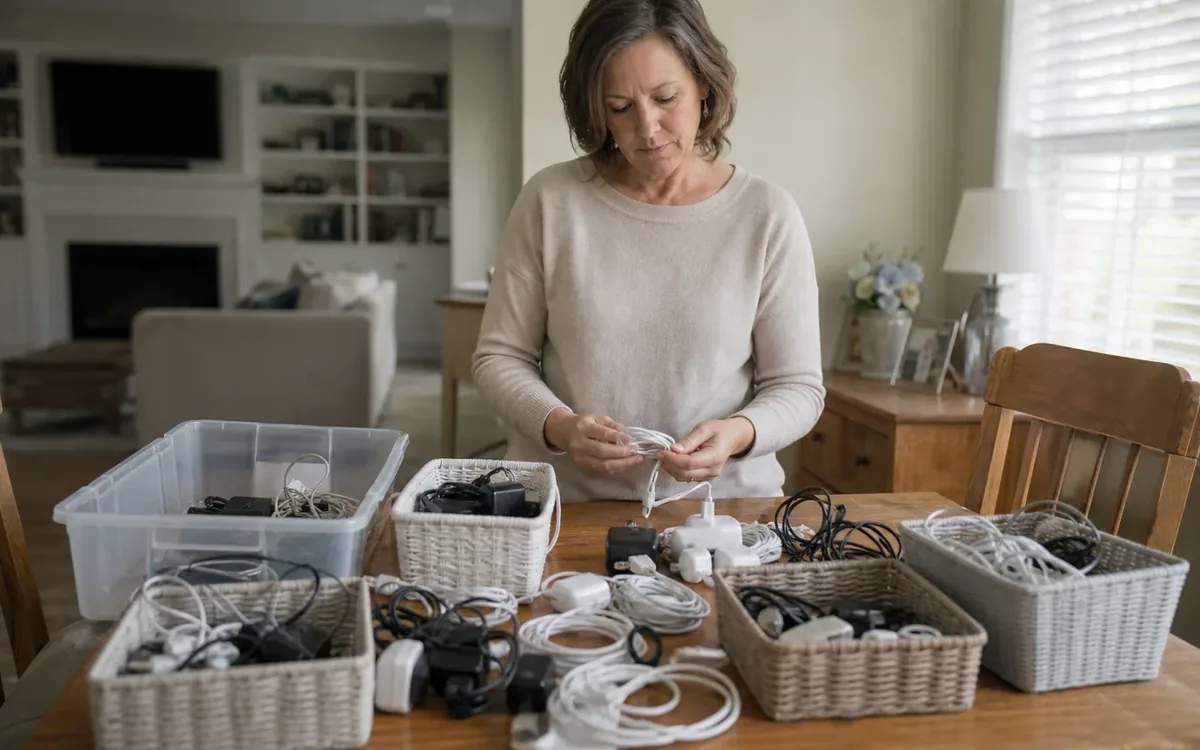
Before downsizing, sort charging cables and power adapters by matching them to devices your household still uses. Keep confirmed, undamaged pairs together. Set unknown or damaged items apart without plugging them in. Check local South Carolina collection rules before sending unwanted accessories out with a cleanout. The goal is a small, clear charging kit, not a drawer of possible backups.
Quick answer
- Gather loose cords. Leave equipment plugged in if it must stay on.
- List the devices that will move. Include hearing equipment and tools.
- Check matches with the maker’s guide, model number, or an original pair in use.
- Label each checked pair. Name the device and where it will go.
- Keep unknown or damaged adapters apart. Do not test them.
- Ask the collection program if it takes loose cables and adapters.
Start with the devices you are actually keeping
Begin with the devices you will keep, then find their chargers. Check phones and computers as well as tools and other less-used items. Use downsizing and organizing support and a home inventory list to keep those choices tied to the next home.
Rechargeable household items may include a vacuum, electric toothbrush, camera, flashlight, speaker, game controller, or cordless tool. A seldom-used device can still need its original charger, especially if replacing it would require researching an older model.
Make a simple device inventory with these fields:
- The device name and model, if you can find them.
- Where it will go: keep, move, transfer, or removal.
- Where the known charger is now. Leave working pairs together.
- Where to find the guide or maker’s records.
- Who has the right to make the final choice.
Do not collect accessories by pulling plugs at random from occupied outlets. Routers, medical equipment, security equipment, and other connected devices may need to remain powered. Record their adapters in place and package them when the equipment is ready to move.
For broader household sorting, the downsizing and organizing service is a relevant starting point. Keep this accessory project tied to actual moving decisions rather than expanding it into an inventory of every electronic item in the house.
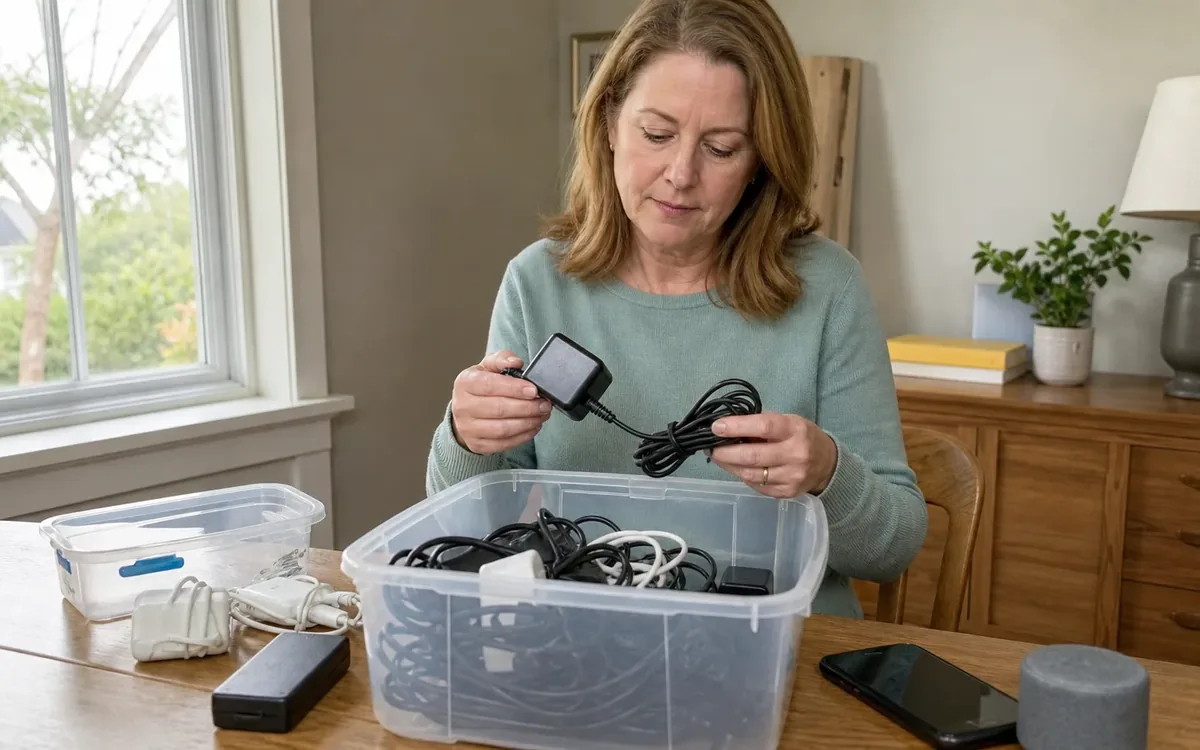
How do you know which adapter belongs to which device?
Confirm the match from the maker’s instructions, model number, or an original pair still in use. A plug that fits does not prove that it is safe. A home inventory list can record each match. Include unresolved pairs in your downsizing and organizing plan without testing them.
A plug that fits is not proof of a safe match. Check the exact device model and the maker’s rules. USB-C plugs can look the same while cables support different uses. Do not assume all cords in the same drawer serve the same purpose. Keep the known pair’s label until you have checked the guide for that device.
Use these sources to confirm a pairing:
- The device’s manual or maker’s support details.
- Model and part numbers on the device and adapter.
- A purchase record that identifies the original accessory.
- A label already attached to a known working pair.
- Guidance from the maker or a qualified electronics professional if you are unsure.
Do not rely on one number or the shape of a plug. Use the guide for the exact model you own. For USB charging, check the device, cable, and power adapter as a set. Each part must meet the maker’s stated needs. If you cannot confirm the match, leave it out of the usable kit. Ask the maker or a qualified electronics professional rather than testing it.
If a device has no known charger, create a note saying “charger not confirmed.” That is more useful than assigning the nearest-looking adapter and creating a problem at the destination.
When sorting belongings from an estate, ownership and release decisions may require more care than ordinary household decluttering. The guide What Is the Best Way to Clean Out an Estate? provides broader context for organizing that process. Accessory labels should not substitute for permission to give away estate property.
Separate damaged and unknown items without testing them
Make three groups: known pairs, unknown items, and damaged items. Use labeled bins so each group stays apart. Include the groups in downsizing and organizing plans. For a family estate, use the guide to the best way to clean out an estate to keep sorting and release decisions clear.
Look for these signs without plugging the item in:
- Frayed insulation or exposed conductors.
- Bent, loose, or broken plug components.
- Cracked adapter housings.
- Discoloration, melting, or scorch marks.
- Corrosion or signs of liquid exposure.
- A history of overheating, intermittent operation, or unusual smells.
Do not plug in a damaged adapter to see whether it still works. Do not open its housing or cover damage with tape as a sorting solution. Keep it out of the household’s usable charging kit and arrange a suitable disposal decision.
An unknown adapter needs its own group even if it looks fine. Mark it “unknown, do not plug in.” The note means you have not checked its match. It does not mean you can test it on a spare device. Keep the group apart while you look for the model number or ask for help.
Power banks and other items with batteries need extra care. Do not charge a swollen, leaking, very hot, or damaged battery item. Do not squeeze it into a box. Keep it apart from loose cables. Ask the maker or local collection authority how to handle it. If it smokes or poses an immediate fire risk, put safety first. Seek emergency help.
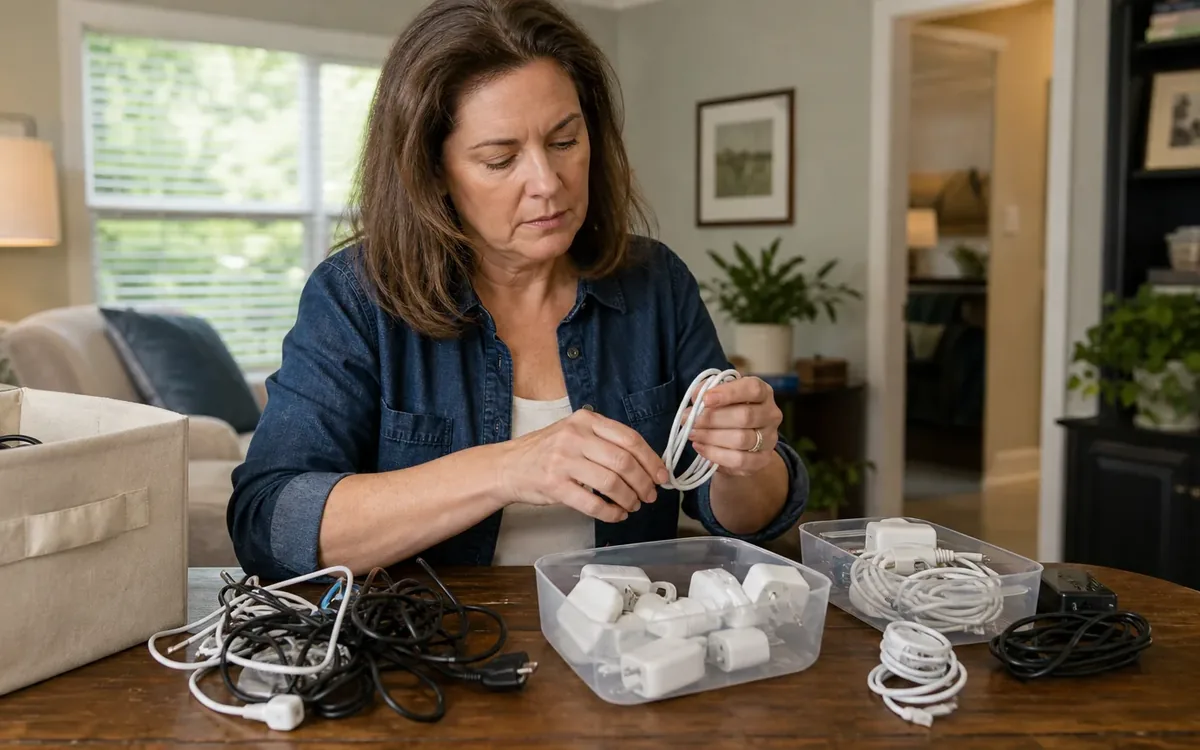
What should you keep when several chargers seem usable with the same device?
Keep enough confirmed chargers for your real daily needs. Each spare should have a named use and a place to go. Tie that choice to downsizing and organizing help and a home inventory list so useful backups do not turn into another unknown pile.
Identify actual charging locations. A household might need one setup beside a bed, another at a work area, and a travel accessory. Those are real uses. A handful of unknown adapters kept “just in case” is a different category.
Consider:
- Which devices are used daily versus now and then.
- Whether household members charge devices at the same time.
- Whether one verified accessory safely serves multiple devices according to maker guidance.
- Whether a spare has a defined purpose and storage location.
- Whether an older accessory belongs with a device being transferred.
Name what each backup is for. A note can say “spare for bedroom tablet” if the match has been checked. Keep it where you will need it. If it serves a group of devices, record that group. This makes the spare easy to find. It also prevents it from turning into an unknown item at the next move.
Keep chargers made for one model with their equipment whenever that equipment leaves the home. A cordless tool, camera, or older laptop may be much less useful to its next owner without the correct accessory. Household members can decide what to keep or transfer. Use the maker’s records or qualified technical guidance to settle questions about a safe match.
How should you label chargers for the move?
Label each confirmed charger with its device and the room it goes to. A note such as “black cord” will not help when most cords look alike. Use your home inventory list and move management plan to carry those labels through packing and arrival.
Use a removable tag, pouch label, or cable label that does not cover safety markings, air vents, contacts, or labels from the maker. Include the device name, owner when relevant, and destination location.
Useful labels might read:
- “Office laptop, confirmed adapter, desk.”
- “Camera charger, keep with camera case.”
- “Tablet cable, confirmed pair, bedroom.”
- “Unidentified adapter, do not plug in.”
Photograph a confirmed pairing before packing if that will help the household reconnect it. Capture model labels as well as the overall device. Avoid including account details or other private details in shared move notes.
Bundle cables loosely without sharp bends or tight pressure near connectors. Keep heavy adapters from pressing against delicate plugs. A pouch or small divided container can prevent tangles. But do not pack an accessory while it is connected, operating, or still warm.
Prepare an arrival kit you can reach easily for essential devices. Include only confirmed accessories needed before the rest of the boxes are unpacked. Medical equipment should follow its maker’s moving and setup instructions, with clinical questions directed to the suitable care provider.
Where can unwanted cables and adapters go in South Carolina?
Ask the receiving program which cables and adapters it accepts before loading them. Programs may treat loose cables and items with batteries in different ways. Downsizing and organizing support can help keep sorting decisions clear. Use estate cleanout planning to coordinate the larger handoff without assuming disposal acceptance.
For households in Charleston and elsewhere in the state, confirm rules with the relevant county or city waste program, collection event organizer, retailer, or other receiving provider. Do not assume that an electronics drop-off sign covers everything in your sorting box.
Ask practical questions before loading the car:
- Do you take loose cables and power adapters without their devices?
- Do you handle items with batteries in a different way?
- Must I live in the area? Do I need an appointment?
- Are there quantity limits or fees?
- How should I handle damaged items?
- Do business electronics have different rules?
Keep confirmed reusable items separate from damaged or unknown ones. Donation or resale is a household choice. But the recipient should have accurate details about the intended device and the item’s condition. Do not describe an unknown adapter as working or suitable merely because it looks clean.
Storage is also a choice, not an automatic solution. If you keep an accessory awaiting identification, give it a specific review purpose and keep it outside the usable charging kit. Otherwise, the unresolved drawer simply becomes an unresolved moving box.
Disposal acceptance and preparation rules belong to the receiving provider or relevant authority. Confirm them before arranging pickup or drop-off or placing anything in a waste stream.
Coordinate the handoff without blurring duties
Tell the move team which pairs are confirmed and which must stay apart. Share a short list before packing so an unknown adapter is not treated as a charger ready for use. Downsizing and organizing help and move management support can keep these household choices in the wider plan.
Clutter Cleaner of South Carolina is based in Mount Pleasant. Charleston is its main market, and it serves South Carolina statewide. Its downsizing and organizing or move management services can help with the wider move plan. Discuss where the accessory sorting fits in that plan. Technical testing, electronics repair, and collection acceptance are separate matters.
The household can decide what it wants to keep, where confirmed accessories should go, and whether unwanted items should be considered for transfer, storage, or disposal. Those choices do not confirm a safe match or legal permission to give away someone else’s property.
Keep these roles clear:
- Manufacturers or qualified technical staff address unclear device matches and equipment safety.
- Authorized estate representatives and legal advisers address questions about ownership and who receives items.
- Appraisers address formal appraisal needs.
- Real-estate professionals and inspectors address transaction and inspection questions.
- Contractors or electricians address wiring and installation concerns.
- The receiving provider or authority decides disposal and compliance rules.
A useful final handoff is a short device list, labeled confirmed pairs, and a clearly separated group still needing a decision. That gives everyone a clear plan without suggesting that sorting alone proves the equipment is safe.
Short FAQ
Finish with confirmed pairs and a clearly labeled group that still needs a decision. Keep the list with downsizing plans and move management notes so nobody plugs in an unknown item by mistake. Use these answers to guide the next check, not to skip it.
Should I keep an adapter just because its plug fits?
No. Fit alone does not prove a safe electrical match. Use the device maker’s rules to check the charger. Leave it out of the usable kit if you cannot confirm it.
Can I pack all USB-C cables together?
You can keep known cables in one place. Keep labels that show each cable’s use. The same plug shape does not mean the same power rating or functions.
What if nobody recognizes an adapter?
Mark it unknown. Do not plug it in as a test. Look for the model number and ask for help. If you choose disposal, check the receiving program’s rules first.
Should chargers travel with donated devices?
Include the correct, undamaged charger once you have confirmed the match. Check that the receiving group takes it. Leave unrelated cords out so the next owner has a clear pair.