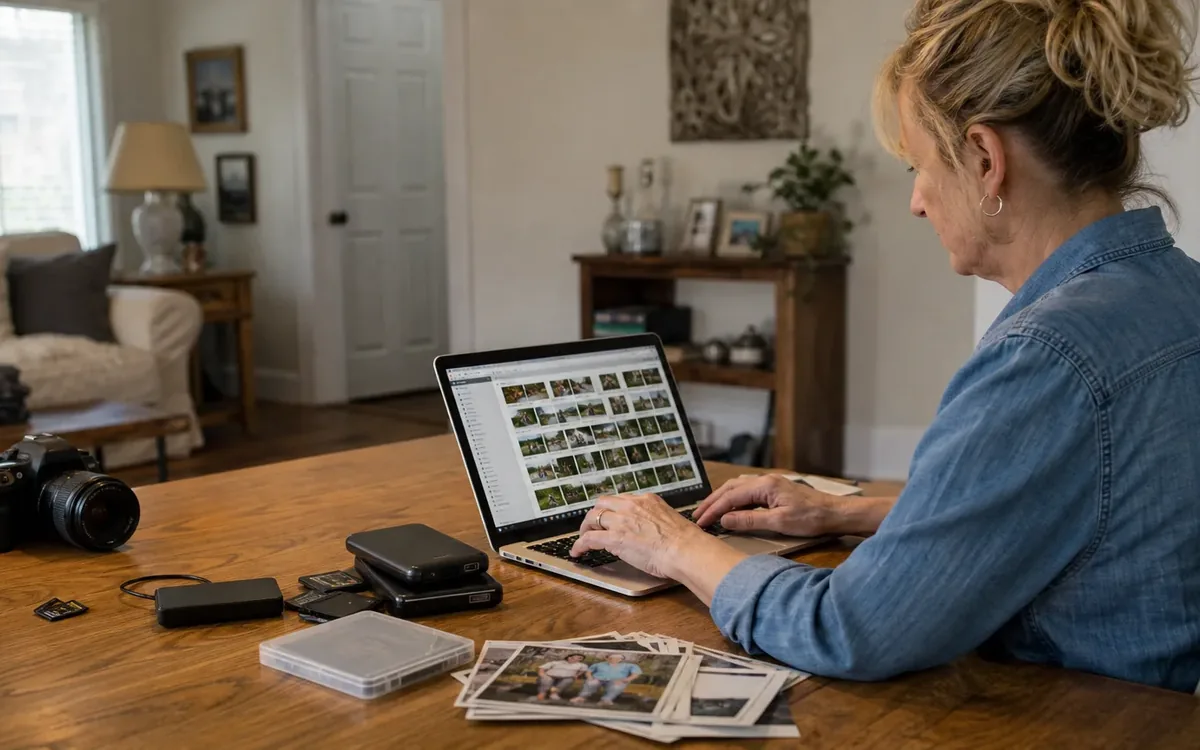
Downsize a digital family archive by preserving every source first, creating verified backup copies, removing only confirmed duplicates, labeling the material that matters, and sharing access with trusted relatives. Do not start by deleting files from phones, computers, discs, tapes, or cloud accounts. Consolidate copies into a controlled working archive, document who owns each account, and confirm that important files open before reducing anything.
Quick answer: Use a preserve, deduplicate, label, and share workflow. Preserve untouched copies from every available source. Deduplicate in a separate working copy. Label people, dates, places, and events without overwriting original files. Then create a clear archive and shareable family collection, with backup access assigned to more than one trusted person.
This approach is especially useful for South Carolina families whose media is divided among relatives, old devices, inherited boxes, discs, tapes, and cloud accounts. The household can decide what has personal value and who should receive copies. A practical cleanout or move team may discuss how digital sorting fits alongside a wider transition, but data recovery, media conversion, appraisal, legal authority, and account access may require other qualified providers or responsible parties.
Why does digital media need a different downsizing method?
Physical downsizing often involves deciding whether an object will be kept, donated, sold, recycled, or discarded. Digital media presents a different problem: a single image may exist in several places, while the only copy of an important video may be trapped on an aging device.
Files may be distributed across:
- Phones and tablets belonging to different relatives
- Desktop computers, laptops, and external drives
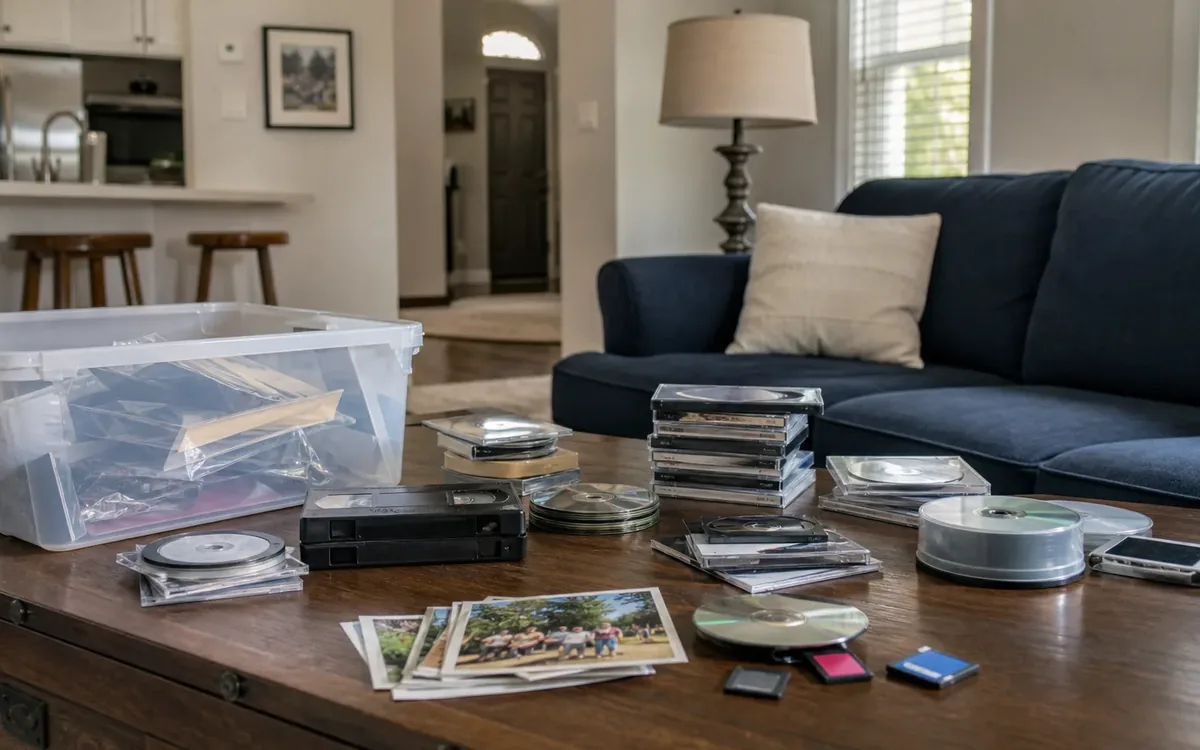
- Memory cards, USB drives, CDs, and DVDs
- Email attachments and messaging applications
- Cloud photo libraries and shared albums
- Social media accounts
- Camcorder tapes, videotapes, and other analog formats
- Scanned copies of photographs or documents
The visible clutter is often small, but the decision load is large. A drawer of discs or drives can represent decades of unlabeled material. Removing devices during a household cleanout before reviewing their contents can separate the family from irreplaceable files.
When digital media is one part of a broader household transition, the family may benefit from coordinating it with downsizing and organizing support. That coordination concerns the physical flow of devices, records, and household decisions. It does not replace technical data recovery, legal advice, or specialist media conversion.
Step 1: Preserve every source before sorting
Preservation means stabilizing the archive before making choices. Treat each phone, computer, drive, disc, tape, and account as a possible source until someone has reviewed it.
Create a source inventory with these fields:
- Item or account name
- Current holder or account owner
- Device type or media format
- Password or access status, recorded securely
- General date range, if known
- Whether files have been copied
- Whether the copy has been opened and checked
- Whether the original may be erased or released
Do not rely on memory. A simple spreadsheet or written log can prevent two relatives from assuming the other person copied a device.
For digital sources, make at least one untouched preservation copy before reorganizing names, folders, or metadata. A second backup in another location or system adds protection against device failure, loss, or accidental deletion. Confirm that representative photos and videos open correctly. A folder count alone does not prove that the media is usable.
Old computers and phones may contain personal records beyond family media. Before donating, recycling, selling, or discarding hardware, the legal owner or authorized decision-maker should determine what must be retained and arrange appropriate data removal. A cleanout team can discuss holding devices aside, but secure erasure and recovery should be assigned to a capable technology provider when needed.
If the media appears during an estate transition, read how estate cleanouts work before boxes, electronics, or records are released. The guide helps place preservation decisions within the larger cleanout process.
Who has authority to access inherited devices and accounts?
Access is not only a technical question. Knowing a password does not necessarily establish legal authority to use an account, distribute its contents, or change its ownership.
The household can identify likely devices, gather paperwork, list known accounts, and ask relatives whether they hold shared copies. The executor, personal representative, account owner, trustee, or another legally responsible person may need to decide what access is authorized. Terms imposed by a cloud platform or device provider may also affect the available process.
Keep these roles separate:
- Family members can explain relationships, identify people in images, and state what they hope to preserve.
- The authorized decision-maker can approve access, copying, transfer, or disposal within the scope of that authority.
- An attorney or probate professional can interpret ownership, estate authority, privacy, and distribution questions.
- A technology specialist can address device access, data recovery, damaged storage, and secure erasure.
- A cleanout or move team may help identify and set aside devices or media while household contents are being organized.
Avoid guessing passwords repeatedly, resetting accounts without approval, or wiping inherited devices because they appear obsolete. If ownership or access is disputed, pause the digital project and obtain guidance from the responsible professional.
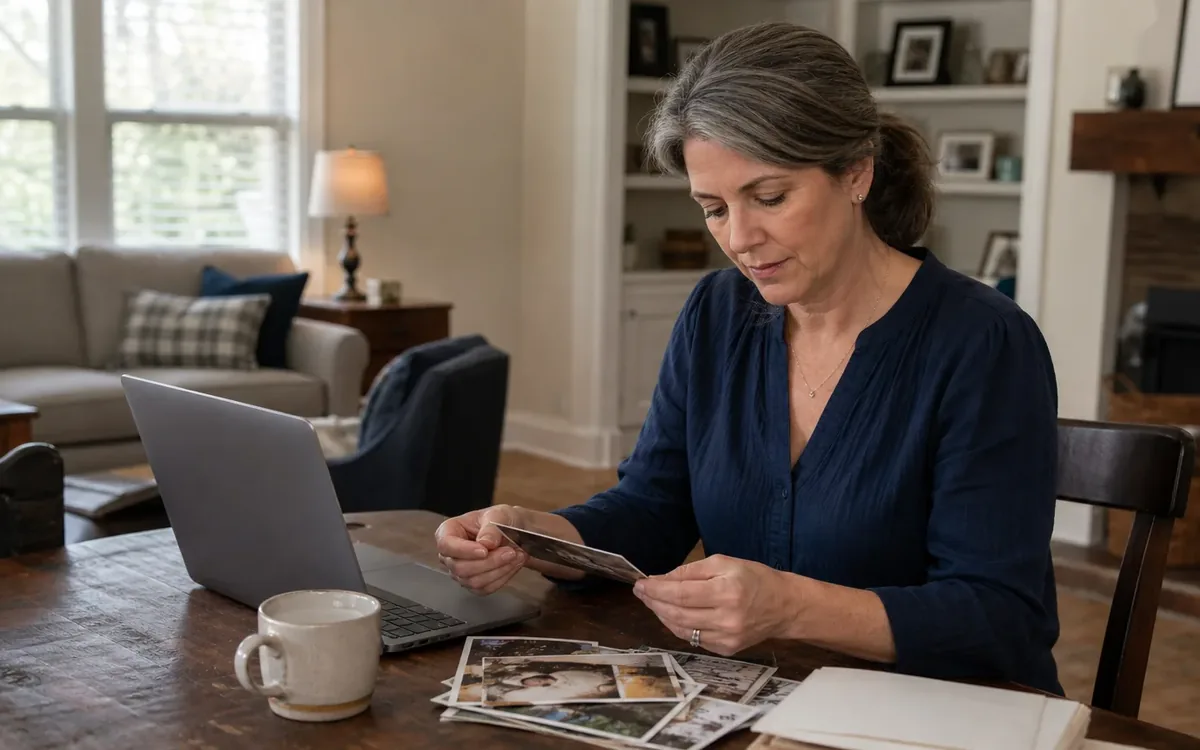
Step 2: Deduplicate without deleting unique memories
Deduplication should happen only after preservation copies exist. Work on a copy of the archive, not on the sole known source.
Exact duplicates are files whose underlying contents match, even if their names differ. Near-duplicates are similar but not identical. They may include an edited photo, a lower-resolution social media copy, a burst sequence, or two videos captured from different positions.
Use this four-part review:
- Group files by source. Keep material from each device or account in a clearly named intake folder.
- Identify exact matches. Deduplication software can flag identical files, but its settings and results still require review.
- Compare near-duplicates manually. Check resolution, edits, expressions, audio, framing, and embedded information before choosing a preferred copy.
- Quarantine proposed deletions. Move them to a temporary review folder rather than deleting them immediately.
File names are weak evidence. Two unrelated cameras can create the same name, and messaging applications may rename or compress files. Dates can also be misleading after scanning, copying, editing, or migrating between systems.
Choose a preferred copy based on useful qualities such as:
- Highest practical image or video quality
- Complete rather than clipped footage
- Original audio
- Reliable creation information
- Lack of accidental filters, overlays, or compression
- Family preference when several versions carry different meaning
A short, imperfect clip may be the only recording of a person’s voice. A blurry photo may be the only image of a particular gathering. Technical quality should inform the decision, not control it.
Step 3: Label the archive so future relatives can understand it
A preserved archive without context becomes harder to use with each generation. Labeling connects files to people, places, events, and stories.
Begin with broad folders rather than trying to identify every image. A manageable structure might use family branch, decade, year, or event. Choose one main logic and apply it consistently.
Useful folder examples include:
- Family branch and approximate decade
- Year, followed by event or location
- Person, followed by life stage
- Unknown people or dates needing review
- Oral histories and recorded interviews
- Original scans and edited access copies
Use descriptive file names only when doing so will not disrupt embedded dates or an established photo-library system. Keep untouched originals separately if files are being renamed or edited.
A simple naming pattern can include the known date, event, place, and people. For uncertain information, label it as approximate rather than turning a guess into a fact. Terms such as “circa,” “possibly,” and “unidentified” preserve uncertainty honestly.
Ask relatives targeted questions. “Who is standing beside Aunt Ruth?” is easier to answer than “What do you know about these photos?” Record the source of an identification when memories differ.
Do not place sensitive personal details into public file names or open shared albums. Addresses, medical information, financial records, information about minors, and private family events may call for restricted access.
How should tapes, discs, and obsolete devices be handled?
Older media may require equipment or skills the household does not have. Avoid forcing damaged discs into drives, repeatedly playing fragile tapes, or opening hard drives in an ordinary room. These attempts may make professional recovery more difficult.
Separate the material into three groups:
- Readable now: Media that opens on available equipment and can be copied safely
- Needs conversion: Analog tape or an outdated format requiring suitable playback and digitization equipment
- Needs recovery assessment: Damaged, corrupted, encrypted, or nonresponsive storage
The household can decide which memories are priorities and whether the anticipated value justifies outside help. A media-conversion provider can explain supported formats, output choices, handling procedures, and whether originals will be returned. A data-recovery specialist can assess failed digital storage. Those are separate provider choices, not guaranteed cleanout services.
Before hiring a provider, ask:
- Will the original media be altered or returned unchanged?
- What file format and resolution will be delivered?
- How are private files handled and transferred?
- Will dates, folder structure, and available metadata be preserved?
- How will unreadable items be reported?
- Can a small sample be reviewed before a large project proceeds?
Keep original tapes, discs, and devices until the converted files have been checked and backed up. If an item may have collectible or historical value, consult an appropriate appraiser or institution before altering or disposing of it. A cleanout team should not be treated as the authority on appraisal, archival significance, or media conservation.
Step 4: Build a master archive and a family collection
The master archive and the shareable collection serve different purposes.
The master archive should retain the best available originals, meaningful variants, available metadata, and documentation about sources. It may be too large or sensitive to share widely.
The family collection can be smaller and easier to browse. It might contain selected photos, edited viewing copies, short videos, or folders for particular family branches. Removing duplicates from this collection does not require removing them from preserved source backups at the same time.
A practical final structure can include:
- Originals by source
- Organized master archive
- Shareable family collection
- Restricted or sensitive material
- Unidentified media
- Conversion or recovery records
- Proposed deletions awaiting approval
Use open, commonly supported file formats where practical, while retaining originals. Avoid making a social media account the only family archive. Platforms can compress uploads, strip information, restrict downloads, or change access rules.
Step 5: Share access without creating another mess
Sharing should create continuity, not a new set of uncontrolled copies. Select a primary archive custodian and at least one trusted backup contact. Document where the archive is held, how it is organized, and who can authorize changes.
The household should decide:
- Who receives the complete archive
- Who receives only selected folders
- Which material is private
- Whether relatives may add labels or files
- How conflicting identifications will be recorded
- Who reviews future deletion proposals
- What should happen if the main custodian can no longer manage access
Use read-only sharing when recipients only need to view or download. Maintain a separate intake folder for relatives contributing new files so additions can be checked before entering the master archive.
Account succession settings, estate documents, and platform-specific legacy tools may help, but their legal effect and suitability should be reviewed by the responsible account holder and, when appropriate, an attorney. Real-estate agents, inspectors, appraisers, contractors, and code authorities do not determine digital inheritance simply because a home is being sold or cleared.
How does digital downsizing fit into a South Carolina home transition?
Digital archiving works best as a protected track within the larger move, estate, or downsizing plan. Phones, computers, tapes, discs, and drives should be marked as review items rather than mixed into general donation, sale, recycling, or disposal decisions.
Clutter Cleaner of South Carolina has a physical location in Mount Pleasant and serves households across South Carolina, with Charleston as its primary market. A practical cleanout or move discussion may cover identifying media-bearing items, setting them aside, coordinating household decision categories, and preventing premature removal during the physical transition.
The household remains responsible for choosing what memories matter and who should receive them. Technology providers handle specialized conversion, recovery, or secure erasure when separately selected. Appraisers assess value. Real-estate professionals advise on a sale. Inspectors evaluate property conditions. Contractors perform contracted repair work. Attorneys and authorized fiduciaries address legal authority. Government or other responsible authorities decide applicable compliance matters.
If physical belongings are also being sorted, avoid treating every box labeled “photos” as paper memorabilia. It may contain memory cards, backup drives, account notes, or optical discs. Likewise, an old camera or laptop should not be evaluated only for resale or disposal value until its contents have been checked.
A focused final review before releasing devices
Before any device or media leaves household control, verify these points:
- The item appears on the source inventory.
- Its ownership and decision authority are clear.
- Important files have been copied.
- Copies open and play correctly.
- At least one backup is separate from the working archive.
- Sensitive records have been identified.
- Proposed deletions were reviewed by the appropriate person.
- Any required secure erasure is assigned to a capable provider.
- The destination, such as family transfer, sale, recycling, donation, or disposal, is documented.
This review is intentionally narrower than a general downsizing checklist. Its purpose is to prevent the family archive from disappearing while physical decisions move forward.
Short FAQ
Should we delete blurry photos and short clips?
Not automatically. Keep unique images, voices, people, or events even when quality is poor. Remove a weak file only after confirming that a better version preserves the same meaningful content.
Is one cloud account enough for backup?
A single account can fail through lost access, accidental deletion, billing changes, or account closure. Keep another verified copy under an appropriate access plan and document who can reach it.
Can duplicate-finding software make every decision?
No. Software can identify likely matches, but people should review near-duplicates, edits, burst photos, compressed copies, and emotionally significant variations.
What should happen to unidentified photos?
Place them in a clearly labeled review folder. Share selected items privately with relatives who may recognize the people, locations, or events, and record uncertain answers as uncertain.
Should old devices be discarded after files are copied?
Only after the authorized person confirms the copy, backup, privacy review, and appropriate data erasure. A specialist may be needed if the device is damaged or contains sensitive information.
Who decides whether media has legal, financial, or historical value?
The responsible household or estate representative chooses whether to seek advice. Attorneys address legal questions, qualified appraisers assess monetary value, and appropriate archives or historical organizations can discuss potential historical significance.