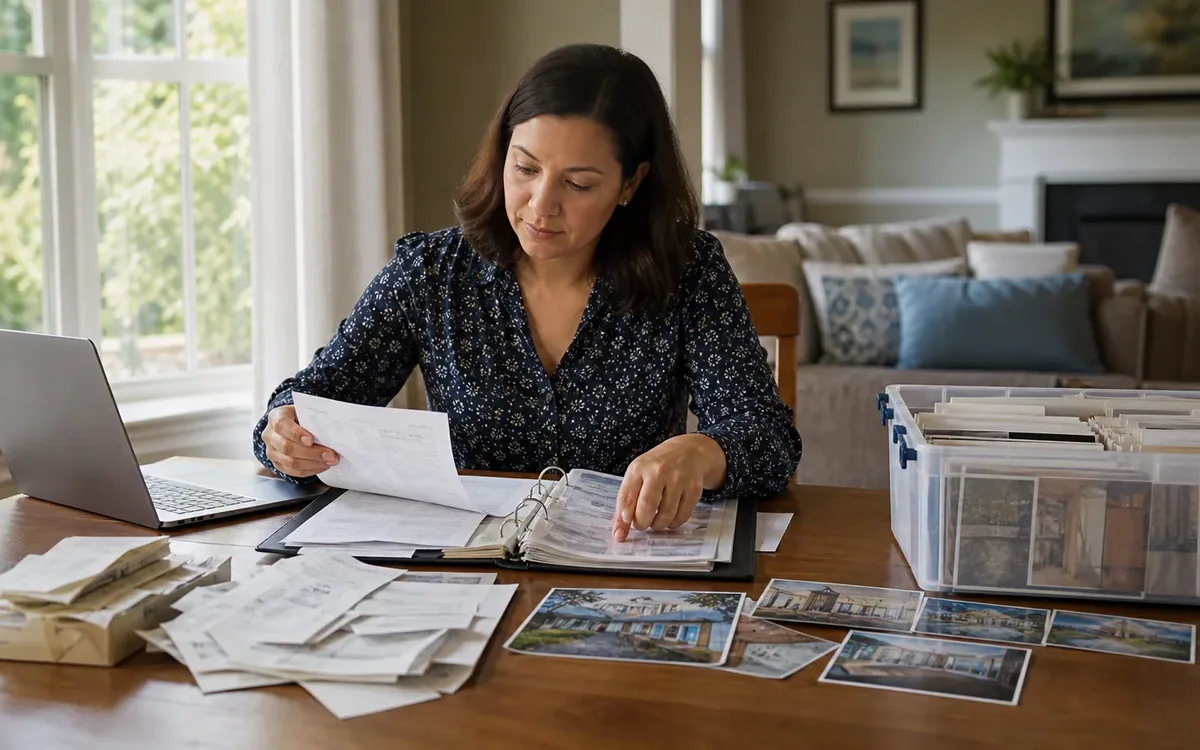
Organize repair receipts and cleanup photos by property area, project, and completion date, then connect each receipt to a small set of clearly labeled images. Keep original documents unchanged, store working copies in one digital folder system, and give each professional only the records relevant to their role. This creates a useful sale-preparation file without implying that receipts prove workmanship, code compliance, value, or disclosure compliance.
Quick answer: Create one master folder for the property, divide it by room or major system, and make a project folder for each repair or cleanup task. Put the invoice, proof of payment, warranty, permit-related records supplied by the appropriate authority or contractor, and selected before-and-after photos together. Maintain a one-page index, back up the files, and ask the real-estate or legal professional responsible for the transaction what should be shared, disclosed, or retained.
What should a home sale record actually accomplish?
The file should help the household locate accurate records and answer practical questions. It is not a sales brochure, inspection report, appraisal, or legal disclosure form.
A useful record can show:
- What project the household authorized
- Which contractor, vendor, or disposal provider supplied a document
- When a receipt or invoice was issued
- Which property area appears in related photos
- Whether a document identifies materials, model numbers, or warranties
- Where original paper records are stored
- Which questions remain for the listing agent, attorney, inspector, appraiser, contractor, or local authority
Keep descriptions factual. Write “invoice from roofing contractor” rather than “roof fully certified.” Label an image “garage after contents removed” rather than “garage ready for inspection.” The first wording identifies a document or visible condition. The second could imply a professional conclusion that the household is not qualified to make.
For help separating physical preparation tasks from transaction decisions, review the home sale preparation service. A practical team may discuss sorting, organizing, removal planning, move coordination, and how to leave records accessible. The appropriate professionals remain responsible for legal advice, valuation, inspection findings, permits, compliance determinations, and real-estate representation.
How should you build the folder structure?
Use a structure simple enough that someone unfamiliar with the property can follow it. Avoid one enormous photo folder and vague filenames such as IMG_0042 or receipt-final-new.
Build the system in these six steps:
-
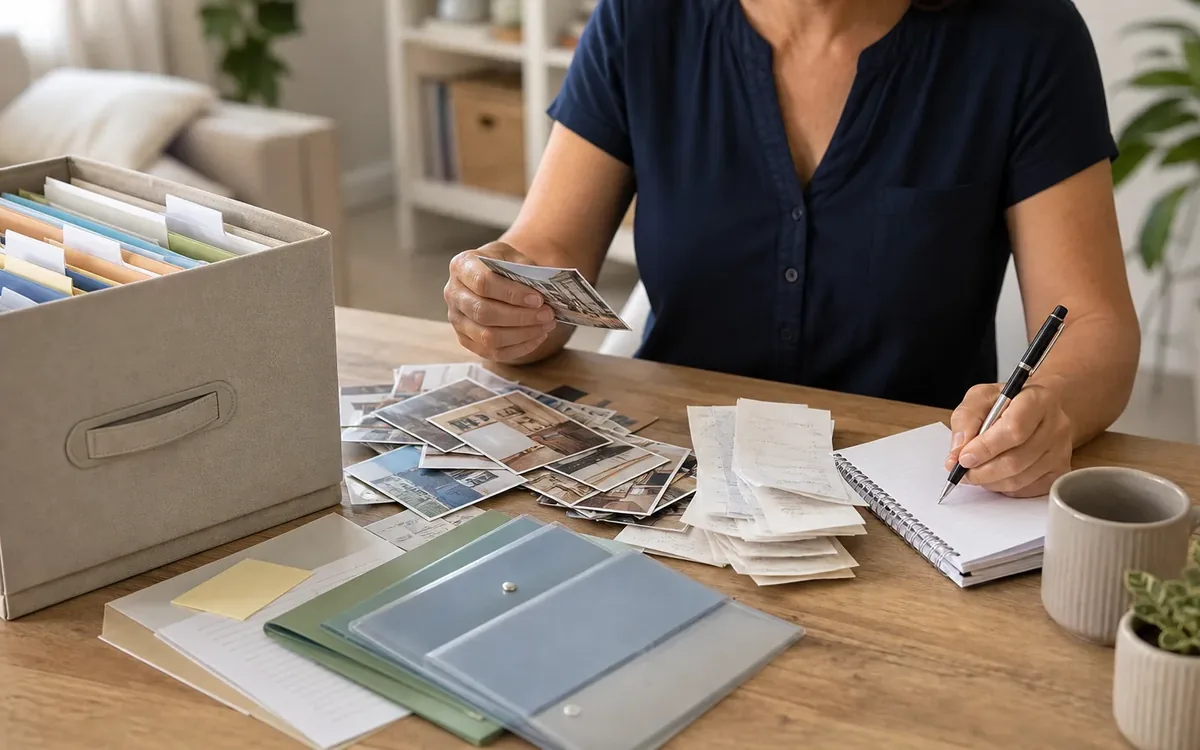
Create a property-level master folder. Use the street address or another private property identifier. If files will be shared, avoid adding unnecessary personal information to the folder name.
-
Add a master index. A spreadsheet or text document can list project name, property area, vendor, document date, payment status, photo location, warranty information, and unresolved questions.
-
Create area folders. Examples include kitchen, primary bathroom, roof, exterior, garage, crawl space, HVAC, plumbing, electrical, landscaping, and whole-house cleanup.
-
Add one folder per project. A kitchen folder might contain separate subfolders for cabinet repair, plumbing work, appliance installation, and cleanup.
-
Use standard document categories. Within each project, create folders for estimates, contracts, invoices, payment records, warranties, permits or approvals received, correspondence, and photos.
-
Add a review folder. Put uncertain documents in a folder labeled
Review Neededinstead of guessing where they belong or deleting them.
A practical filename might read:
2026-08-14_Garage_Debris-Removal_Invoice_VendorName.pdf
A related photo might read:
2026-08-14_Garage_West-Wall_After-Removal_01.jpg
If records are part of a larger inherited-property project, the guide to when to start preparing to sell a house explains how decision-making and physical clearing can be coordinated without treating every item or document the same way.
Which receipts and documents belong in the file?
Include records that explain a repair, replacement, cleanup, or property-related purchase. Preserve originals when they may matter for warranties, taxes, insurance, contracts, or the transaction. A scan is convenient, but the responsible professional should advise whether an original must be retained.
Useful categories include:
- Signed estimates and proposals
- Contracts and change orders
- Itemized invoices
- Payment confirmations
- Product receipts
- Warranty and registration documents
- Contractor contact information
- Model and serial numbers
- Maintenance records
- Disposal or donation records supplied by the receiving provider
- Permit, approval, or inspection documents actually issued by the appropriate party
- Relevant written correspondence
Do not alter an invoice to make it easier to understand. Keep the original file and create a separate note if context is needed. For example, a note can say that one invoice covered both the hall bathroom and laundry room, while the invoice itself remains untouched.
Sensitive information deserves separate handling. Before sharing a file, look for:
- Full bank or card numbers
- Account login details
- Signatures not needed by the recipient
- Medical information
- Social Security numbers
- Alarm codes or lockbox details
- Personal correspondence unrelated to the property
Ask the closing attorney, real-estate professional, tax professional, insurer, or other responsible adviser what must remain visible. Do not permanently redact an original. Make a sharing copy and retain the unchanged source securely.

How do you take cleanup photos that remain useful?
Photos are most helpful when they document a specific area consistently. They should not attempt to hide defects, replace an inspection, or prove that work meets a technical standard.
Use these five practices:
-
Photograph the same viewpoint before and after. Stand near the same doorway, corner, or exterior marker so the change is easy to understand.
-
Capture context before detail. Take a wide view of the room or property area, then photograph relevant surfaces, fixtures, or remaining items.
-
Keep the image honest. Avoid filters, digital object removal, misleading cropping, or edits that change the apparent condition.
-
Label the location and status. Identify the room, wall, feature, project, and whether the image is before work, during work, or after cleanup.
-
Retain the original image. Place selected copies in the project folder, but preserve the original file and its metadata when practical.
Cleanup photos can show that boxes were removed from a room or that a work area was cleared. They cannot establish that hidden damage is absent, a repair was completed correctly, mold or pests are not present, electrical work is safe, or a structure complies with applicable requirements. Those conclusions belong to qualified inspectors, contractors, specialists, or authorities.
Avoid including people unless their presence serves a legitimate purpose and they consent. Also check mirrors, windows, paperwork, computer screens, medication labels, family photographs, keys, and security devices for accidental exposure.
How can you match photos to receipts without creating confusion?
Connect documents and photos with a shared project identifier. For example, use P-014 for a laundry-room plumbing repair, then place that code in the index, folder name, photo filenames, and household notes.
The project entry can contain:
- Project ID
- Plain-language description
- Property location
- Vendor shown on the document
- Estimate, invoice, and payment dates
- Receipt filename
- Before-photo filenames
- After-photo filenames
- Warranty filename
- Open questions
Do not write that a photograph “verifies” an invoice unless the appropriate professional has made that determination. A photo may correspond to a project, but it may not show concealed work, materials used, who performed the work, or whether all invoiced tasks were completed.
When one receipt covers several rooms, keep the original in a whole-project folder. Add shortcuts, links, or index references in each room folder rather than creating several edited versions. If your software does not support shortcuts, use clearly marked copies and identify the location of the original.
What can the household decide, and what belongs to a professional?
The household controls the practical recordkeeping system and can make ordinary preparation choices. It can decide how folders are named, which photos are easiest to navigate, where originals are stored, who receives working copies, and which physical areas should be sorted or cleared first.
A cleanout or move team may discuss:
- Sorting categories and decision zones
- Document separation during a cleanout
- Photo organization for visible cleanup progress
- Removal sequencing
- Donation, recycling, disposal, or storage options available from separate providers
- Access planning for contractors or other appointments
- Packing and move-related organization
- Leaving receipts, keys, manuals, and warranties in an agreed location
Other decisions remain with the relevant professional or authority:
- Legal and disclosure questions: A South Carolina attorney or the appropriate real-estate professional should advise what the seller must disclose, retain, or provide.
- Property value: A qualified appraiser determines an appraisal opinion. Receipts do not automatically increase value dollar for dollar.
- Listing strategy: The listing agent advises how property information should be presented and which records may be useful to prospective buyers.
- Condition and defects: Inspectors and qualified specialists evaluate property conditions within their professional scope.
- Repair quality: The responsible contractor or qualified specialist addresses workmanship, materials, and technical completion questions.
- Permits and compliance: The authority having jurisdiction determines permit requirements, approvals, violations, or compliance status.
- Tax treatment: A tax professional advises whether an expense affects basis, deductions, or record-retention needs.
- Storage: The household selects a storage provider and decides what to store after considering access, security, climate needs, and contract terms.
- Disposal: The household and selected disposal or recycling providers determine what they can accept. Regulated or hazardous materials may require specialized handling.
Clutter Cleaner of South Carolina may support practical home sale preparation across South Carolina within its stated services, but that support does not replace these professional judgments.
What should you share with an agent, buyer, or closing professional?
Do not send the entire archive automatically. Start with an index and ask the recipient what is relevant. Oversharing can expose private information, create duplicate versions, and bury useful records in unrelated material.
Consider preparing three sets:
- Private master archive: Original documents, complete correspondence, unedited photos, and sensitive payment records
- Professional review set: Materials requested by the listing agent, attorney, inspector, appraiser, tax adviser, or contractor
- Property information set: Approved copies intended to accompany the sale or remain with the property, such as selected manuals and transferable warranty information
The household can organize these sets, but the real-estate and legal professionals responsible for the transaction should guide disclosure and distribution. A neat file is not a reason to omit known concerns or characterize uncertain work as complete.
Keep a sharing log that records the recipient, date, folder or document names, and reason for sharing. This is an organizational record, not proof that disclosure requirements have been met.
How do you keep the archive reliable through closing?
Choose one person to maintain the master index. Other household members can submit documents, but uncontrolled renaming and duplicate folders quickly weaken the system.
Use these controls:
- Keep original files read-only when possible
- Add new versions rather than overwriting source documents
- Use dates in
YYYY-MM-DDformat - Mark drafts and final documents clearly
- Record missing invoices or warranties as open items
- Back up the archive in a second secure location
- Review sharing copies for private data
- Update the index after each repair or cleanup decision
- Keep paper originals together in a labeled folder or document box
If a contractor changes the scope, save the original estimate, change order, and final invoice. If the household cannot explain a mismatch, note the question and ask the contractor. Do not rewrite records to force them into agreement.
Before transferring manuals, keys, warranties, or approved records, confirm the destination and method with the appropriate transaction professional. Keep the private archive until legal and tax advisers say it may be discarded.
Short FAQ
Should every repair photo go to a prospective buyer?
Not necessarily. Keep a complete private archive, then ask the listing agent or attorney which images should be shared. Disclosure decisions depend on the property and transaction, not merely on how the folders are organized.
Is a paid receipt proof that a repair passed inspection?
No. It generally shows a transaction or payment, depending on the document. Inspection status, permit approval, code compliance, and workmanship must be confirmed by the relevant professional or authority.
Should cleanup and repair records be kept together?
They can use the same master index, but separate them by project type. Cleanup photos show visible clearing or organization. Repair records document work or purchases. Keeping those categories distinct prevents accidental claims about condition.
What if a receipt is missing?
Record the missing item in the index and contact the vendor for a duplicate if appropriate. Keep other authentic records, such as the contract or warranty, but do not create a substitute receipt.
Can receipts be used to set the asking price?
They may provide background, but they do not establish market value. Pricing strategy belongs to the seller and real-estate professional, while a qualified appraiser provides an appraisal opinion when engaged.
Where should the final records be stored?
The household can choose secure paper, local digital, cloud, or professional storage based on access and privacy needs. Legal, tax, insurance, and warranty advisers should guide retention requirements for records within their scope.