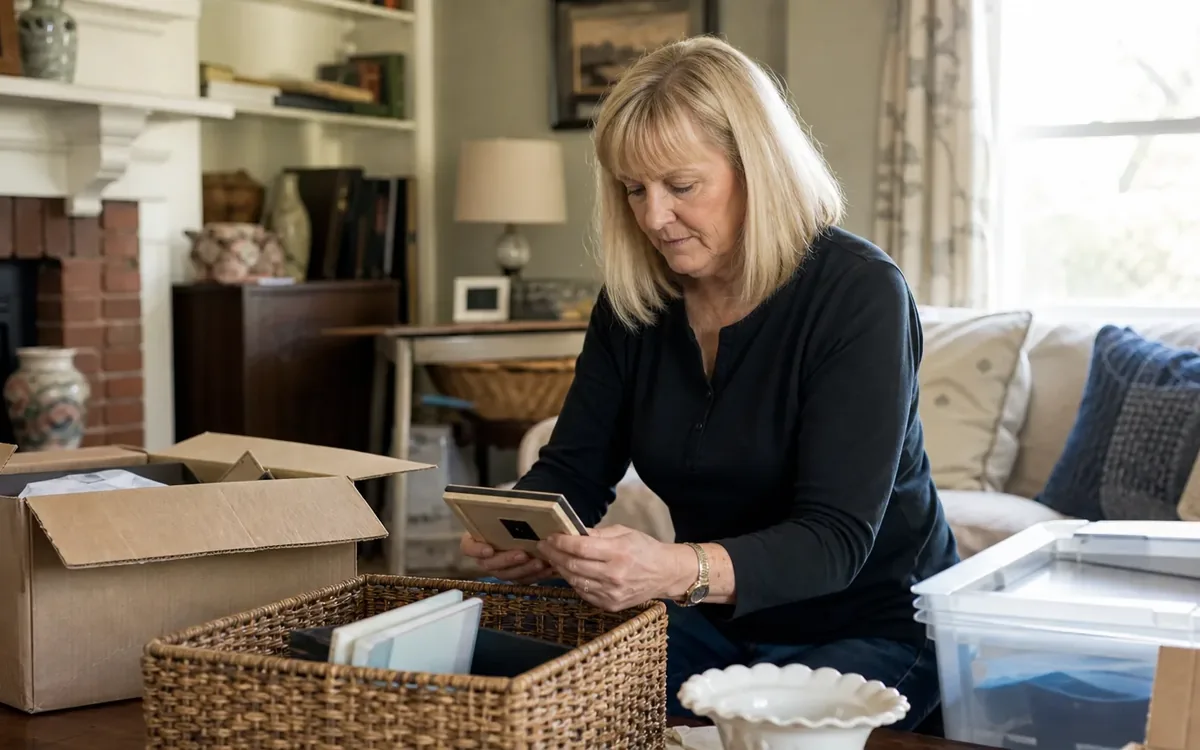
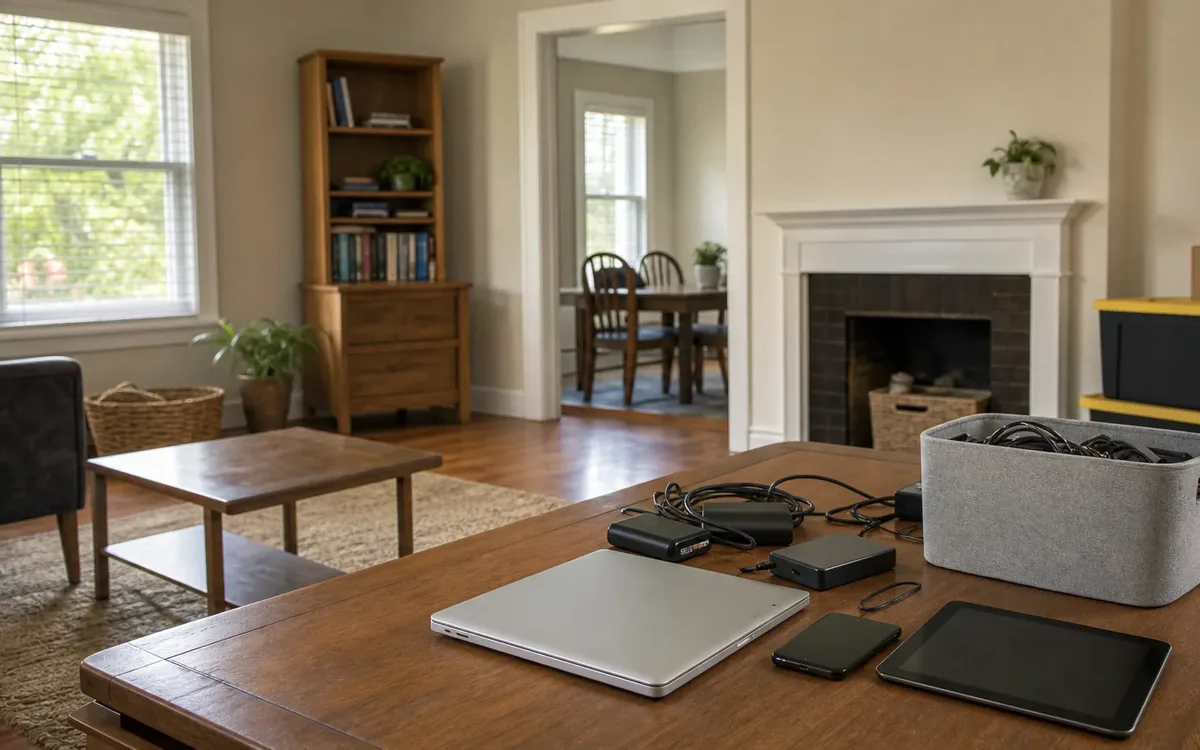
Protect private data during an estate cleanout by separating electronics from outgoing belongings, confirming who can authorize access, preserving needed records, and verifying data removal before donation, sale, or recycling. South Carolina families should make these decisions before devices leave an inherited property, not after a buyer or recipient discovers personal information.
Quick answer: Keep every device with possible storage in a controlled holding area. Do not browse, reset, sell, or discard it until the authorized estate representative has approved a plan. Save necessary information through an appropriate process, then use device-specific sanitization or a separate qualified provider. Record what happened to each device and its storage media.
What electronics can hold private information?
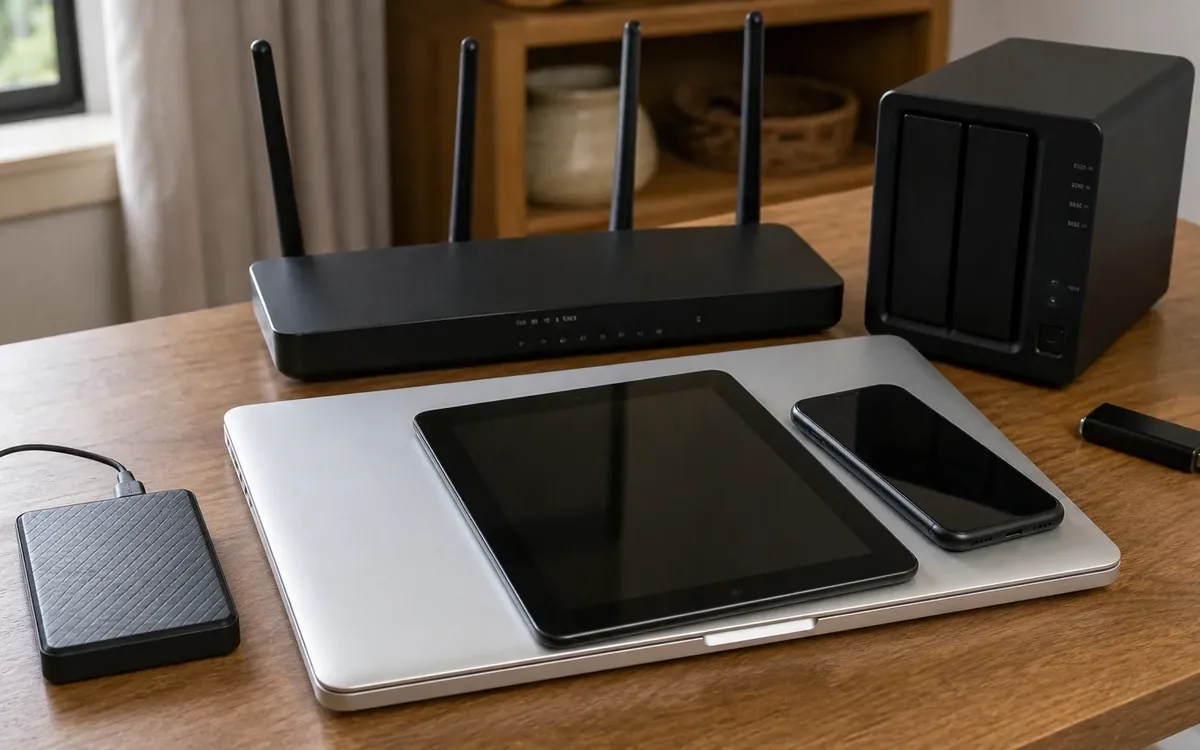
Computers and phones are obvious concerns, but an estate may contain data in less familiar places. A printer can retain documents or account settings. A camera may contain family photographs. A router can retain network credentials, and a security recorder may hold footage from inside the home.
Look for both devices and removable storage:
- Desktop computers, laptops, tablets, and smartphones.
- External drives, USB sticks, memory cards, and loose internal drives.
- Cameras, video recorders, and home security equipment.
- Printers, scanners, and multifunction office equipment.
- Smart speakers, streaming devices, and connected home hubs.
- Older phones, backup discs, and equipment stored in drawers.
Do not assume an item is empty because it will not turn on. A failed screen, dead battery, or damaged power supply does not establish that stored data is gone.
Identify loose drives and memory cards as separate items. Removing a card from a camera does not clear the card, and clearing the camera may not affect removable storage. Keep associated cables and chargers nearby so an authorized person can identify equipment without unnecessary handling.
Create a device hold before the cleanout begins
Set aside a secure area for electronics awaiting decisions. A locked room or cabinet can work if access is controlled and conditions are suitable. Avoid damp spaces, excessive heat, and piles that can damage screens or connectors.
Label devices with simple inventory numbers rather than private details. The working record can include the device type, location found, visible serial number, accessories, and current decision status. Keep passwords, recovery codes, and account details out of labels and ordinary cleanout notes.
Useful status labels include:
- Hold for authority review.
- Preserve records before removal.
- Await technical assessment.
- Approved for sanitization.
- Approved for release after verification.
Tell everyone handling belongings that these items are not part of the general donation, auction, or disposal pile. For broader coordination, review estate cleanout services and explain the device hold when discussing the household’s cleanout needs.
A practical cleanout team may discuss identification, staging, handling instructions, and what should remain untouched. That conversation does not establish authority to access accounts or promise technical data-erasure services. Agree separately on who will perform preservation and sanitization.
Who can authorize access to inherited devices?
Possession of a device is not the same as permission to read its contents or use the owner’s accounts. An unlocked phone on a kitchen counter may still contain private communications, information about other people, and access to financial accounts.
The estate’s responsible representative should determine the authorized path, with an attorney’s guidance when needed. Device ownership, account access, digital-asset authority, and provider requirements may involve different questions. Family agreement alone may not resolve them.
Before anyone logs in, clarify:
- Who is responsible for making estate decisions?
- What information is needed for administration or preservation?
- Whether access restrictions or disputed ownership require legal advice.
- Whether an account provider has a process for a deceased user.
- Who may receive any recovered files.
Do not guess passwords repeatedly, bypass security, or use saved credentials to impersonate the deceased. These actions can create access problems and may expose information outside the estate’s legitimate needs.
If relatives disagree, keep the device on hold. An attorney or appropriate authority should address legal access and ownership questions. A cleanout or move team can follow handling instructions, but it should not decide who has legal rights to digital information.
Preserve what matters before removing data
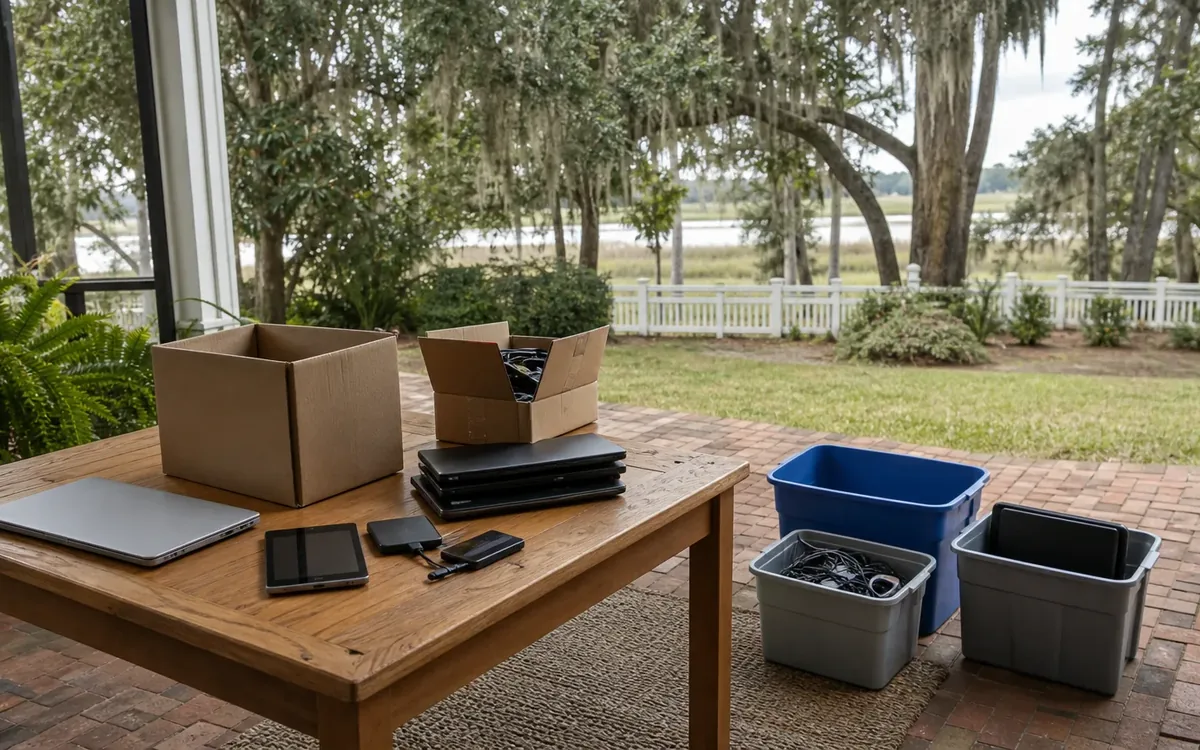
Erasing a device can eliminate information the estate still needs. Start with a narrow preservation purpose instead of copying everything simply because it is available.
Potentially important material includes family photographs, estate-related financial records, business files, and documents needed to identify obligations. An attorney may advise that certain information must be retained. An accountant or other responsible professional may identify records relevant to their work.
For the larger household process, the guide What Is the Best Way to Clean Out an Estate? provides context for separating preservation decisions from decisions about belongings. Electronics need their own approval step because their contents are not visible from the outside.
Choose a destination for preserved information before copying it. Options might include encrypted storage controlled by the authorized representative or a properly managed account. These are household or separate-provider choices, not automatic cleanout services.
Verify that a backup is usable. Check that selected files open and that important folders were included. A shortcut, an incomplete transfer, or a cloud placeholder may look like a saved file without containing the actual information.
Limit circulation. Sharing one authorized archive is different from giving every relative an unrestricted copy of emails, identification documents, or financial records. Keep an inventory of what was preserved, who controls it, and where it is stored, without listing sensitive contents in public-facing records.
How do you remove data before selling or donating a device?
Deleting files or emptying the recycle bin is not reliable sanitization. A quick format may also leave recoverable information. The appropriate method depends on the device, storage technology, encryption state, condition, and sensitivity of the data.
For a supported phone or tablet, the manufacturer’s instructions may include backing up selected information, addressing account associations, and using the built-in erase or reset process. Follow the instructions for that model rather than treating every reset menu as equivalent.
For computers and separate drives, ask a qualified technical provider which sanitization method fits the storage media. Traditional overwrite procedures are not equally appropriate for every solid-state drive. Encryption-based erasure also depends on how encryption was implemented and whether the relevant keys are properly removed.
Before approving release, establish:
- Which device and storage components are being sanitized.
- Whether removable media requires separate treatment.
- What method will be used and why it fits the device.
- How successful completion will be checked.
- What happens if the process fails.
Account removal is a separate issue. A locally erased device may remain associated with an online account or subject to an activation lock. Work through the authorized provider process rather than promising a buyer that access restrictions can be bypassed.
After sanitization, check the expected end state with the responsible technical provider. A setup screen can be useful evidence, but it does not prove that every storage component has been addressed. Avoid absolute promises that no data could ever be recovered.
What if a device is locked, broken, or too sensitive to reuse?
A locked or nonworking device still needs a disposition decision. Do not put it in a donation box simply because nobody can access it. Storage may remain readable through methods that do not depend on the original screen or operating system.
Ask a qualified provider whether preservation or sanitization is feasible. If information may have legal significance, consult the responsible attorney before attempting recovery or destruction. Technical work can change device contents or condition, so the purpose should be clear first.
When reuse is inappropriate, a separate provider may offer physical destruction of the storage media. Confirm exactly what will be destroyed. Damaging a computer case or breaking a phone screen does not establish that its storage has been rendered unreadable.
Avoid household improvisation with drills, hammers, fire, or water. Batteries and electronic components can create injury, fire, and environmental hazards. A swollen, leaking, or visibly damaged battery calls for suitable handling guidance, not routine packing.
Disposal and recycling are separate decisions. Ask the receiving provider about accepted items, preparation requirements, and data-handling terms. Responsible environmental handling does not automatically mean data sanitization is included. Applicable disposal or compliance questions belong with the relevant provider or authority.
Keep a simple release record for each device
Verification is easier when the household can follow a device from discovery to final destination. The record does not need to be elaborate, but it should distinguish intention from completion.
For each item, note:
- Its inventory identifier and recognizable description.
- Who authorized preservation, sanitization, or destruction.
- Who performed the technical work.
- The method used and any reported limitations.
- Whether separate cards or drives were included.
- The release destination and any supporting receipt.
If a provider supplies a destruction certificate or sanitization report, confirm that it identifies the relevant device or media. A general pickup receipt may document transfer without documenting data removal. Keep these records with the estate’s controlled administrative files.
Appraisal and sale decisions remain separate from privacy decisions. An appraiser can assess value within their expertise; the household and authorized representative decide whether resale is appropriate. An auction or estate-sale discussion should identify unresolved data issues before an item is offered.
For South Carolina households, including those in the Charleston area, Clutter Cleaner of South Carolina offers estate cleanouts statewide. Its physical business location is Mount Pleasant. When discussing a cleanout, identify which electronics must remain on hold and which have already been approved for handling. Contact (843) 972-7020 to discuss the cleanout scope, while arranging any specialized technical work separately.
Short FAQ
Can we donate a laptop after deleting its documents?
Not on that basis alone. Deleted documents may remain recoverable, and browsers, applications, or other user profiles may hold additional information. Arrange appropriate sanitization and verification before releasing it.
Should we cancel cloud accounts as soon as we find them?
First determine whether needed records must be preserved and who can authorize account changes. Cancellation can affect access to information. Follow the account provider’s process and obtain legal guidance when authority or retention is unclear.
Can a cleanout team decide which files the estate needs?
That decision belongs to the authorized household or estate representative, with relevant professional advice. A team may discuss staging and handling, but legal retention, account access, appraisal, and technical sanitization decisions remain separate.
What is the safest next step when nobody knows what is on a device?
Keep it secured and out of the outgoing stream. Identify the responsible decision-maker, document the item, and seek appropriate advice before access or erasure. Uncertainty is a reason to hold the device, not evidence that it is safe to release.