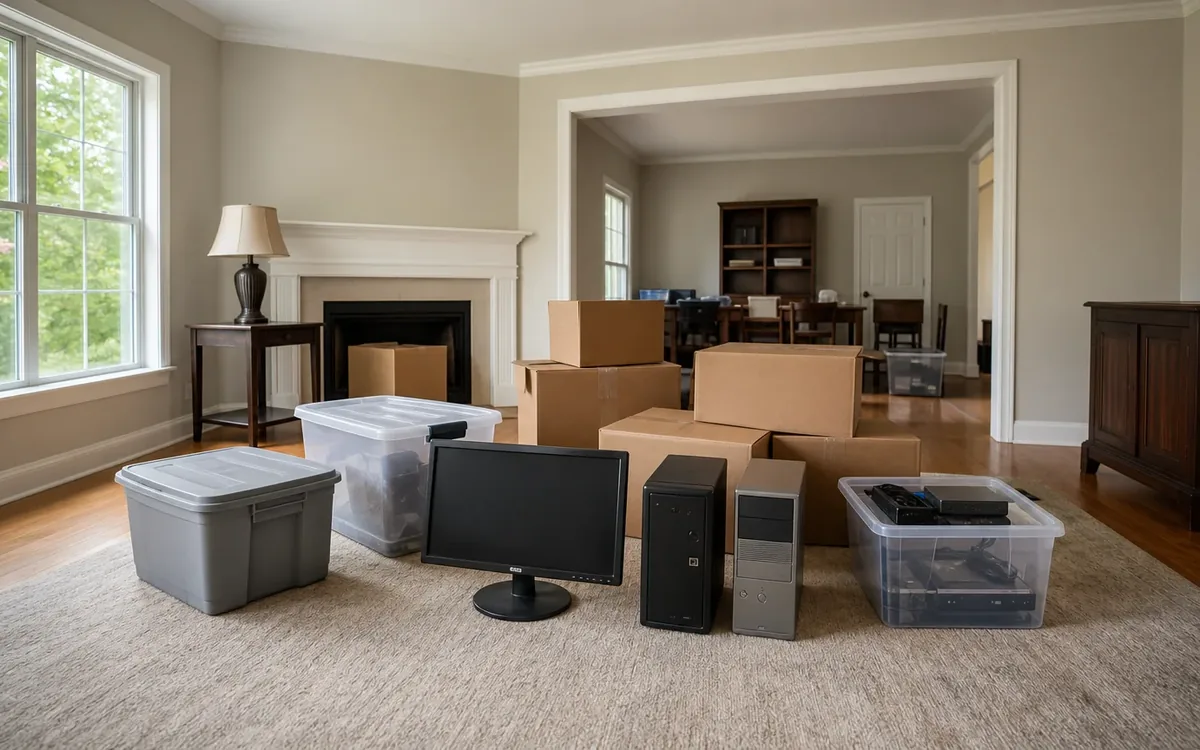
When computers, phones, tablets, or storage drives appear during an estate cleanout, set them aside unopened, record where each item was found, and refer decisions about access, data, accounts, ownership, and disposal to the estate’s personal representative. Do not guess passwords, reset devices, remove storage media, or send electronics for recycling until the authorized person has decided what must be preserved.
Quick answer: Treat every device as a container of estate information, not merely as an electronic object. Isolate it, label it, document its original location, preserve related chargers and notes, and let the personal representative decide who may examine the device and what happens next.
This approach helps South Carolina households avoid accidental data loss, unauthorized access, and premature disposal. It also keeps the physical cleanout moving without forcing helpers or a cleanout team to make legal or technical decisions outside their roles.
Why should estate devices be set aside unopened?
An old laptop may look obsolete, but its contents can still matter. It might hold tax records, family photographs, correspondence, property documents, business files, account information, or clues about recurring bills. A phone may contain authentication codes needed for legitimate account administration. An external drive may be a backup rather than an empty accessory.
Opening files or trying passwords creates risks. A helper could alter timestamps, synchronize or delete cloud information, lock an account, trigger a remote security response, or see private material unrelated to the estate. Even a well-intended factory reset can permanently remove information the personal representative needs.
“Unopened” should mean more than avoiding the casing. Unless authorized, do not:
- Sign in to a device or online account
- Guess or enter passwords
- Connect a device to Wi-Fi or cellular service
- Insert an unknown drive into another computer
- Remove a hard drive, memory card, or SIM card
- Factory-reset, erase, donate, sell, or recycle the item
- Charge a damaged or swollen battery
Physical handling may still be necessary. A device can be moved to a secure staging area as part of an estate cleanout service, provided the household has established who directs the work and how sensitive items should be separated.
For broader planning beyond electronics, review this guide to the best way to clean out an estate. It explains how authority, sorting, records, and property decisions fit into the larger project.
Build one protected device staging area
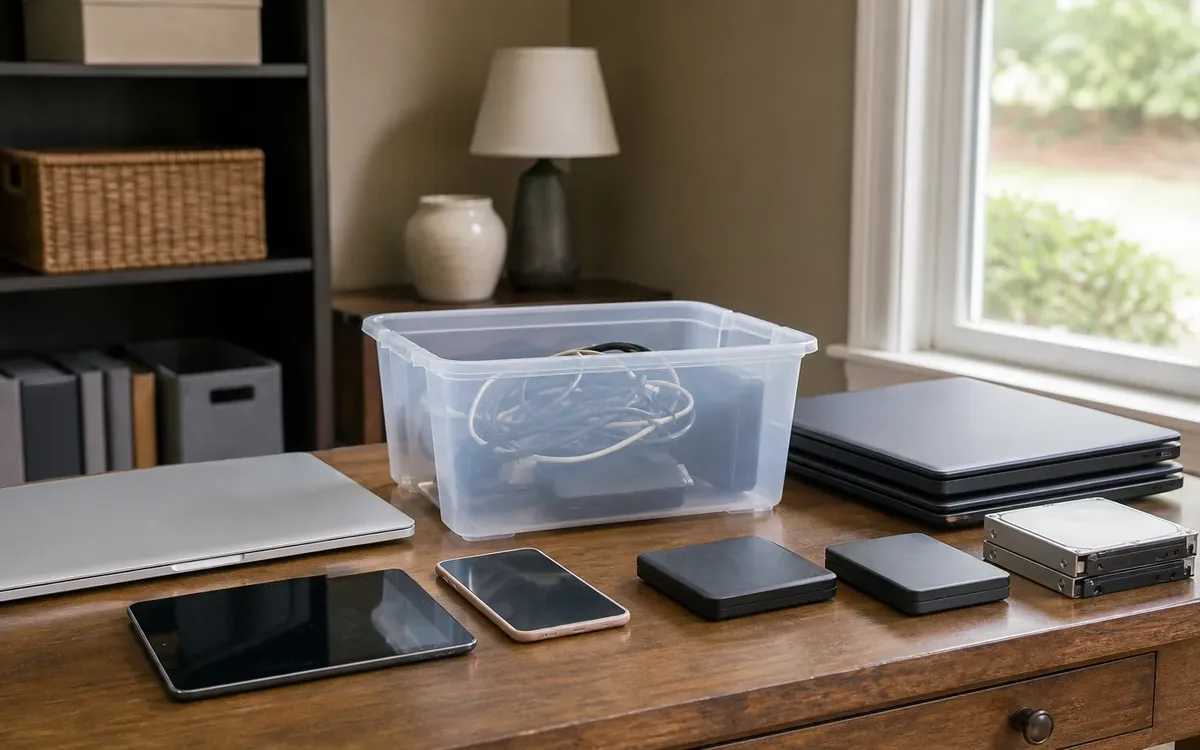
Scattered electronics are easy to separate from their chargers, mistake for trash, or place into outgoing donation boxes. Create one controlled location for devices before general sorting accelerates.
Choose a dry indoor space that is away from public access, liquids, direct heat, and piles scheduled for removal. A locking room or cabinet may be appropriate if many people are entering the home. The personal representative should determine who can enter that area.
Keep these items together when found near one another:
- Computers, tablets, and phones
- External hard drives and solid-state drives
- USB flash drives and memory cards
- Optical discs, data tapes, and other backup media
- Chargers, docks, adapters, and specialty cables
- Password notebooks, recovery keys, and account instructions
- Original boxes with serial-number labels
- Hardware security keys and card readers
Do not attach a password note directly to a device where every visitor can see it. Place sensitive paper in a sealed envelope or other controlled records container and tell the personal representative where it is.
A practical cleanout or move team may discuss staging space, labels, box placement, and the physical separation of electronics from general contents. The team should not decide who has authority to access data, whether a password may be used, or whether files have legal significance.
What should you record about each item?
Record enough information to reconnect the device with its location and context. Avoid exploring its contents merely to create a more detailed inventory.
A basic device log can include:
- A unique inventory number
- Device type, brand, and model if visible
- Color and obvious physical condition
- Serial number or service tag if externally visible
- The room and exact area where it was found
- Nearby accessories or documents
- Date it was set aside
- Name of the person who moved and logged it
- Current secure storage location
- Any visible safety concern, such as battery swelling
Photograph the device where it was found before moving it, when practical. Take additional photographs of the outside, connected cables, and visible labels. Do not power it on solely to photograph a screen.
Location can provide important context. A flash drive taped inside a tax folder may deserve different handling from a blank retail drive found with office supplies. A laptop beside business records may relate to business administration. A phone stored with a wallet may be the person’s primary device.
Keep similar-looking items distinct. Two identical drives should receive separate labels. Do not combine loose memory cards in one bag without individual identification. Small antistatic bags, padded envelopes, or clean containers can prevent mixing and physical damage, but packaging choices belong to the household or its chosen technical professional.
Who decides whether a device may be accessed?
The estate’s duly authorized personal representative should direct access decisions, usually with advice from the appropriate attorney or other qualified professional when authority is unclear. Being a relative, named beneficiary, former caregiver, or person who knows a password does not by itself settle the question of access.
South Carolina probate and estate circumstances vary. Questions about appointment, ownership, fiduciary duties, privacy, litigation holds, jointly owned devices, business property, or access to a deceased person’s accounts should go to a South Carolina attorney, the probate court, or another responsible authority. A cleanout company cannot determine legal authority.
The personal representative may need to consider whether a device is:
- Owned by the estate, another person, or a business
- Leased or supplied by an employer
- Subject to a return requirement
- Shared with a surviving household member
- Connected to active financial or subscription accounts
- Potentially relevant to a dispute, tax matter, or claim
- Needed to retrieve photographs or other family material
An attorney can advise on legal authority and preservation obligations. A qualified digital-forensics or information-technology professional can discuss safe imaging, password recovery, malware risks, and data transfer. Those are separate engagements from moving, organizing, appraisal, storage, or cleanout work.
The household can decide practical matters within its authority, such as where devices will be secured, who will maintain the inventory, and which boxes must not leave the property. The personal representative decides whom to authorize. The relevant professional determines how specialized access or preservation should occur.
Preserve context before separating parts
Avoid dismantling a computer or stripping accessories during the first pass. Context is lost when parts are scattered among general electronics.
Leave removable media in place unless an authorized technical professional advises otherwise. If a drive or memory card is already loose, package and label it separately. Note the device or room with which it was associated, without assuming the connection is certain.
Preserve handwritten labels exactly as found. A label such as “photos,” “tax backup,” or a year may help the personal representative prioritize professional review. Do not rename folders or reorganize files yourself.
Chargers also matter. Some older devices require uncommon connectors, and a compatible charger may support later authorized retrieval. Bundle a charger with a device only when the relationship is clear. Otherwise, label it with its original location rather than guessing.
Be especially careful with network equipment and smart-home controls. A modem, router, hub, camera recorder, or network-attached storage unit may contain settings or stored footage. Disconnecting equipment may affect security, climate controls, locks, or other occupied-home functions. The responsible household member should consult the relevant provider or technician before altering an active system.
Handle damaged batteries and unsafe electronics cautiously
Data preservation does not override physical safety. Stop handling a device if its battery is swollen, leaking, unusually hot, smoking, hissing, or visibly punctured. Keep people away and contact the appropriate emergency authority if there is an immediate fire or exposure risk.
Do not charge a visibly damaged device, press down a swollen case, puncture a battery, or place loose batteries against metal objects. Do not put suspect lithium batteries into household trash or an ordinary mixed cleanout load.
The household should ask an appropriate electronics or hazardous-material disposal provider for current acceptance instructions. Disposal requirements and facility rules can change, so confirm them directly with the responsible local or state authority or receiving facility.
A cleanout team may point out visible damage, stop moving an unsafe item, or discuss isolating the surrounding work area. Determining fire response, hazardous-material compliance, transport requirements, or approved disposal belongs to the relevant authority or qualified provider.
Separate data decisions from the device’s value
A device has at least two distinct questions: what happens to its information, and what happens to the physical object. Resolve the information question first.
A personal representative may authorize a qualified professional to preserve selected data, create a forensic copy, retrieve family files, or document that recovery is not practical. After necessary information is addressed, the representative can decide whether the physical device should be retained, appraised, sold, transferred, donated, or recycled.
Do not assume age means no value. Likewise, do not assume a recognizable brand makes an item marketable. A qualified appraiser or appropriate resale professional determines value within that professional’s scope. An auction or estate-sale provider may discuss sale suitability, but that is separate from legal authority to sell and separate from secure data erasure.
Before a device leaves controlled custody, the responsible person should establish:
- Who authorized the release
- Whether required information was preserved
- Whether accounts and activation locks were addressed lawfully
- Who will perform any approved data destruction
- Where the device is going and who accepted it
These five points reduce the chance that a data-bearing item is casually mixed into ordinary outgoing property.
Account access is different from device access
Unlocking a phone does not necessarily authorize access to email, banking, social media, cloud storage, or subscription accounts. Each provider may have its own process for deceased users, authorized representatives, account closure, or data requests.
The personal representative should use official provider channels and seek legal guidance where needed. Avoid impersonating the deceased, changing recovery details without authority, or using saved credentials merely because the browser fills them automatically.
Keep an account-action log separate from the physical device inventory. It may note the provider contacted, request type, documents requested by the provider, response received, and next responsible step. Do not place complete passwords or security answers in a broadly shared cleanout spreadsheet.
Phone numbers require special care because they may receive authentication codes. Decisions about keeping, transferring, or canceling service belong to the authorized account representative and carrier. Premature cancellation might complicate legitimate administration, while continued service may create ongoing charges. A cleanout team should not make that decision.
Keep electronics out of ordinary exit streams
Estate contents often move into several streams, such as family distribution, storage, appraisal, sale review, donation, recycling, or disposal. Data-bearing electronics should remain in a protected hold category until specifically released.
Use a visible label such as “Estate electronics: do not remove.” Confirm the hold category with everyone working in the home, including relatives, movers, organizers, contractors, and property-preparation crews.
Storage is a household decision and a separate provider choice. If off-site storage is selected, the personal representative should consider access control, climate, inventory procedures, insurance questions, and custody records. A move team may discuss packing and transport, but it cannot guarantee that a particular storage arrangement satisfies legal or technical preservation needs.
Contractors preparing the home should also know which equipment must remain connected. A real-estate professional can advise on market preparation, an inspector can address issues within the inspection scope, and contractors can propose physical work. None of them should erase estate data or determine probate authority unless separately qualified and authorized for that decision.
A focused handoff for the personal representative
Once devices are staged and documented, give the personal representative a concise handoff rather than informal updates from multiple helpers.
The handoff packet can contain:
- The device inventory and photographs
- A list of sensitive papers secured separately
- Notes about active equipment left connected
- A list of damaged or unsafe items
- Questions requiring legal or technical guidance
- A release log for anything already transferred
Clutter Cleaner of South Carolina can discuss estate cleanout planning, physical sorting, staging, and related home-transition work across South Carolina. Its physical business location is Mount Pleasant, and Charleston is its primary market. The household and personal representative retain decisions about authority, records, beneficiaries, and final disposition, while attorneys, appraisers, real-estate professionals, inspectors, contractors, technical specialists, and compliance authorities make decisions within their respective roles.
FAQ
Can family members look for photographs on a laptop?
Only after the authorized personal representative approves access and determines whether legal or technical advice is needed. A qualified technician can help retrieve photographs without unnecessary alteration or exposure of unrelated files.
Should old phones be factory-reset during sorting?
No. Set them aside until the personal representative has addressed data, accounts, ownership, activation locks, and any preservation need. Resetting is a later, specifically authorized action.
What if nobody knows the password?
Do not keep guessing. Record the device and any related notes, then let the personal representative consult the provider, an attorney, or a qualified technical specialist about lawful options.
Can a cleanout team decide which electronics are trash?
A team may identify and physically separate electronics, discuss staging, and follow the authorized household contact’s directions. It should not decide whether unknown data is expendable, whether access is lawful, or whether an item has appraisal significance.
Should external drives go to an electronics recycler?
Not before their contents and ownership have been addressed. After authorized review, the household can select a provider for secure data destruction or recycling and confirm current acceptance and compliance requirements directly.