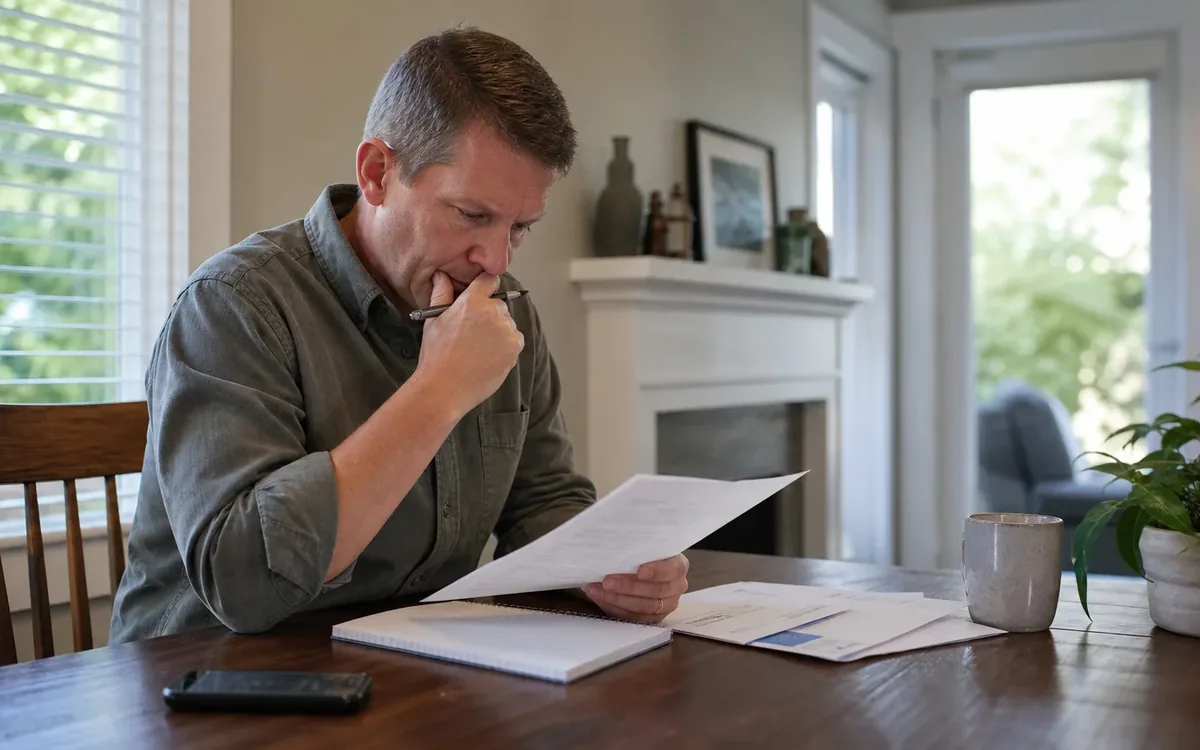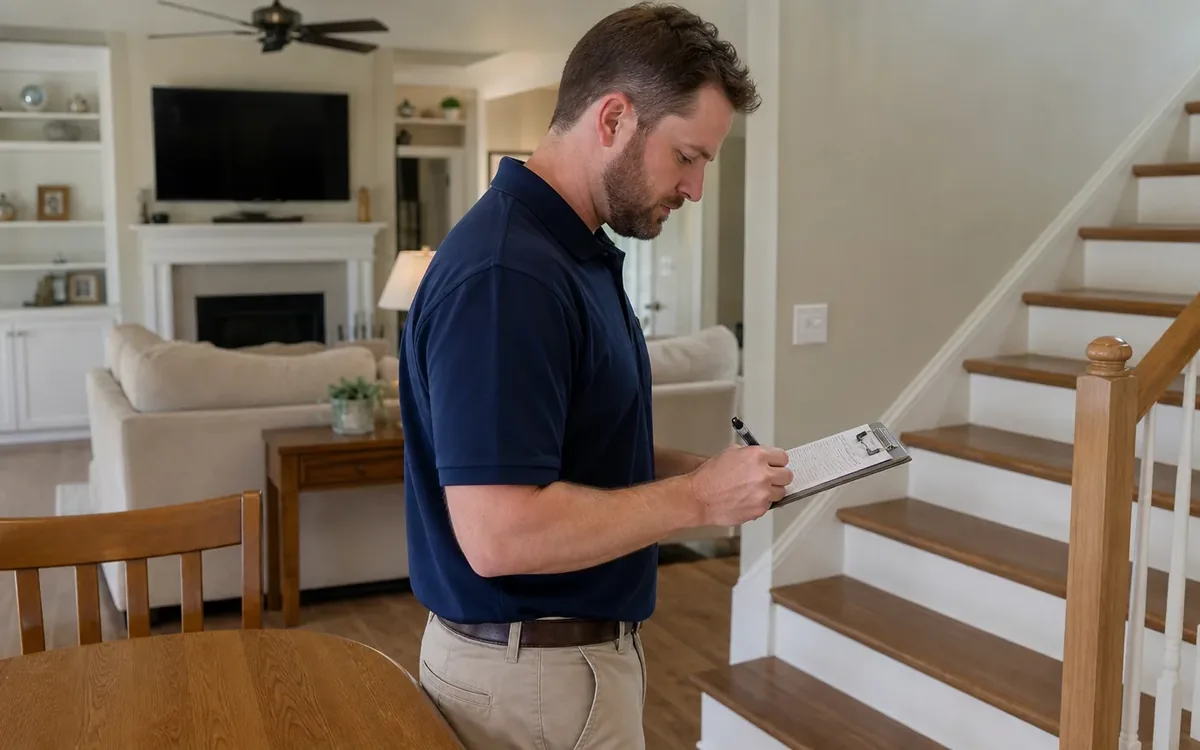
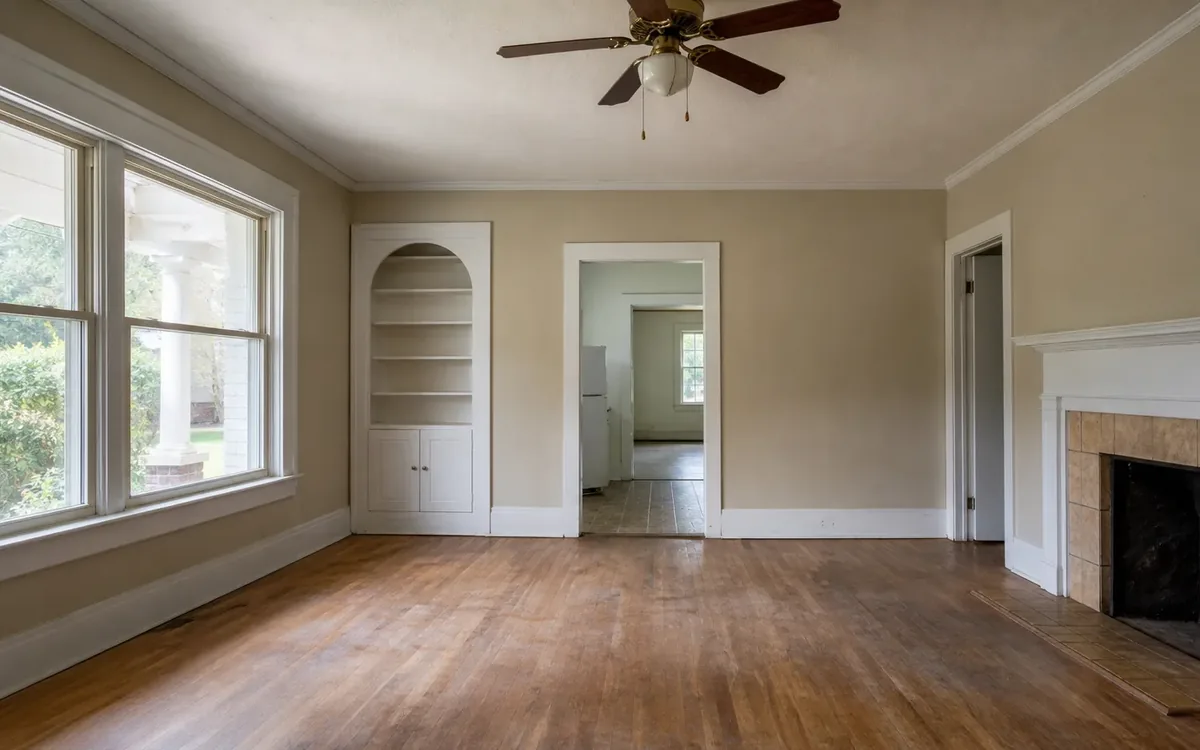
To document property condition for code compliance in South Carolina, create a dated record of what you can safely observe, connect each photo to a specific location, and keep original files alongside a clear activity log. Ask the responsible local authority what information it needs. Your records can support that conversation, but they do not establish compliance or replace an inspection.
Quick answer: Use one property folder containing dated photos, location-based notes, relevant correspondence, and records of any changes. Preserve the originals, keep an unchanged baseline, and label later updates separately. Let the responsible authority or qualified professional determine whether the documented condition meets applicable requirements.
For households in Charleston and elsewhere in South Carolina, the goal is not to build a dramatic before-and-after album. It is to make the property’s condition understandable to someone who was not present. This guide focuses on tracking and storing those records, not interpreting notices or prescribing repairs.
What should a property condition record include?
A useful record answers basic questions: which property, which area, what was visible, when was it observed, and what changed afterward. It separates direct observations from assumptions.
Start with a cover note identifying the property address, the person maintaining the record, and the areas included. If several buildings or units share an address, use consistent labels so photos cannot easily be confused.
Include these core materials:
- A baseline set of dated photographs.
- A simple room or exterior-area index.
- Notes describing visible conditions without diagnosing them.
- A running log of observations and changes.
- Relevant emails, letters, and submission confirmations.
- Supporting documents supplied by separate providers, when applicable.
Describe limitations too. “Attic not entered” or “rear wall partly blocked by stored furniture” is more useful than silently leaving an area out. An incomplete view should not look like a complete assessment.
Avoid labels such as “code compliant,” “structurally sound,” or “safe to occupy” unless you are accurately identifying a determination made by the responsible professional or authority. Household notes should document observations, not issue findings.
Clutter Cleaner of South Carolina offers code compliance support for South Carolina households. A practical support conversation can address how household belongings, access, and cleanout coordination relate to documentation, while compliance determinations remain with the responsible authority.
How do you photograph conditions without losing context?
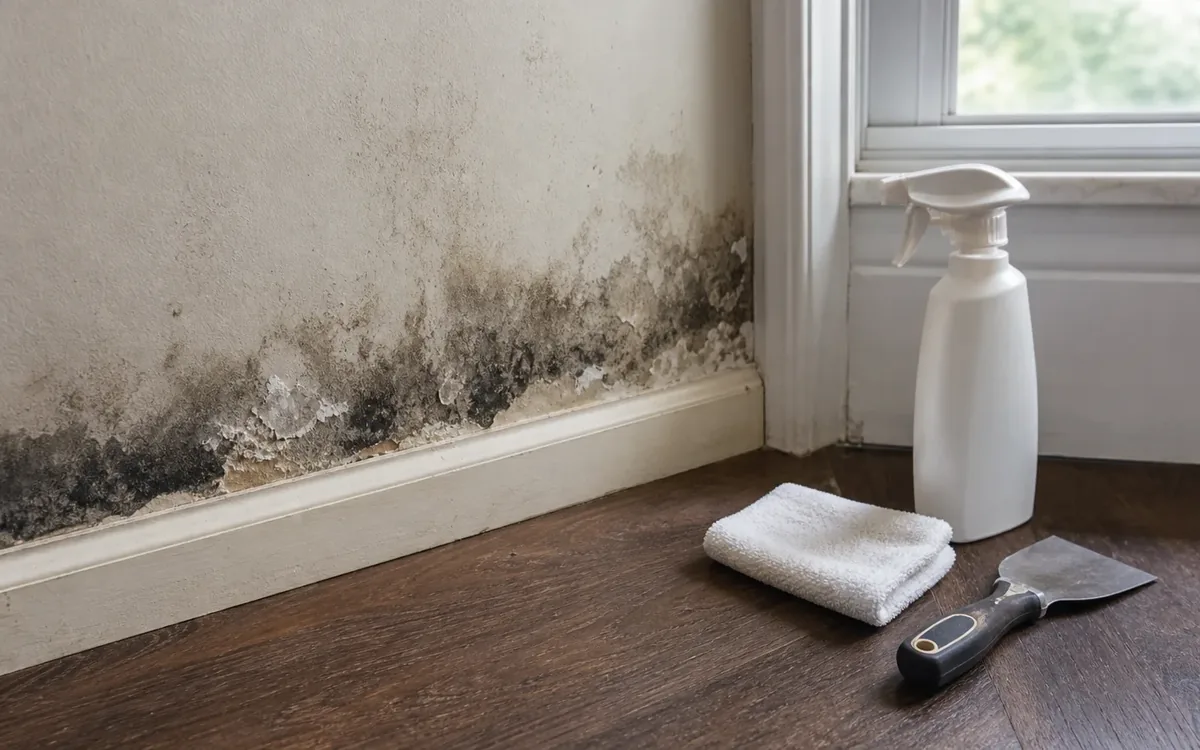
Take a wide view first, then a closer view of the condition you want to record. A close-up alone may show detail without establishing where that detail belongs.
Use consistent area names, such as “kitchen,” “front entry,” or “detached storage building.” Photograph from comparable positions when making later updates. Similar framing makes differences easier to understand without claiming that the photographs prove a particular outcome.
For each area, consider capturing:
- An overall view showing the layout.
- A view connecting the condition to a recognizable feature.
- A detail image showing the observed condition.
- A note explaining anything the image does not show clearly.
Keep original image files. If you add arrows, captions, or circles, save the marked version separately and label it as annotated. Cropping or brightening may help a reader, but it should not replace the original record.
Check that your camera’s date setting is accurate. File information can assist organization, but it is not an independent guarantee of when a photograph was taken. Add the observation date to the accompanying log rather than relying entirely on file metadata.
Do not enter unstable areas, climb onto a roof, move hazardous materials, or approach exposed electrical components just to obtain a better picture. Record the limitation and discuss access with the appropriate professional.
Keep condition records separate from belongings decisions
Property documentation becomes confusing when every household item is treated as a building condition. Keep the two subjects connected where necessary, but separately organized.
For example, furniture may block a view of a wall. The condition note can say that the wall was obscured, while a belongings list records the furniture and the household’s decision about it. Neither record needs to make assumptions about the hidden surface.
The household can decide who may photograph personal spaces, which belongings require owner review, and how private documents will be protected. If ownership or authority to remove items is disputed, obtain direction from the responsible person or legal adviser before acting.
During an estate transition, the guide to how estate cleanouts work is a relevant companion resource for the belongings side of the process. Keep that planning separate from the record used to describe property conditions.
A cleanout or move team may discuss access routes, areas awaiting household decisions, and how to avoid mixing items that must stay with items approved for removal. Storage arrangements, disposal choices, and specialist handling should be confirmed separately rather than assumed to be included.
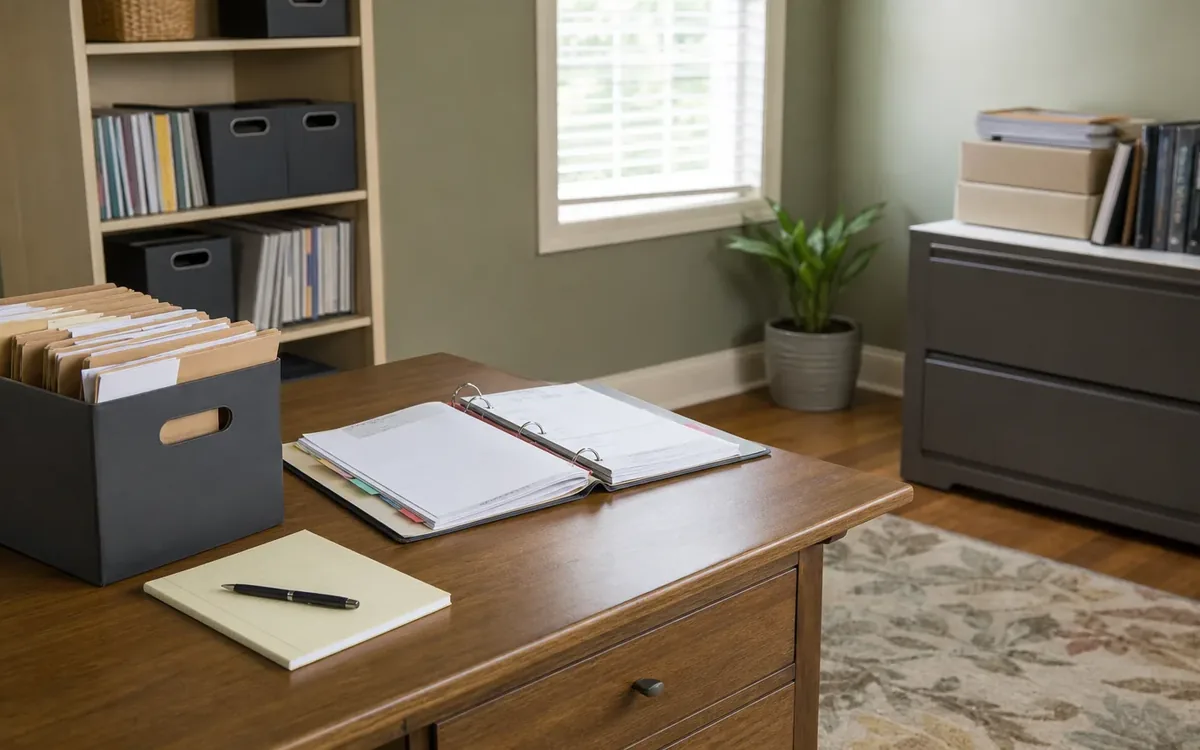
Build a folder system someone else can understand
Choose one main folder for the property and use the same structure throughout the project. A simple system is usually easier to maintain than a collection of folders named after whoever last handled them.
Useful folder labels include:
- Property overview and area index.
- Original baseline photos.
- Dated update photos.
- Observation and activity logs.
- Authority correspondence.
- Provider documents.
- Submission copies and confirmations.
Use file names that identify the date, location, and subject. For example, 2026-10-06_front-entry_overview.jpg is more informative than IMG_final_new.jpg. If several photographs cover the same subject, add a distinguishing label rather than overwriting an earlier file.
Keep the baseline intact. Place later photographs in an update folder even when the new view appears clearer. Replacing the earlier set removes useful context about what was originally visible.
Maintain a backup separate from the working folder. The household should decide whether that means another device, a cloud account, or another appropriate storage option. Check that the designated person can open the files and locate the originals without depending on one phone.
For paper records, retain originals when appropriate and store readable scans with the digital file. Do not write household interpretations onto an original official document.
What belongs in the activity log?
The activity log connects photographs, conversations, and changes. It should explain events without becoming a diary of every household discussion.
Use a table or simple document with fields for date, area, observation or action, person providing the information, and related file names. Add a separate field for open questions so an unanswered concern does not become an apparent conclusion.
A factual entry might read: “Front entry photographed. Boxes obscured part of the wall. See front-entry overview images.” A later entry might state: “Boxes moved with household approval. Previously obscured area photographed and saved in update folder.”
Distinguish the types of information:
- Observed: Something the record keeper directly saw.
- Reported: Information supplied by another person.
- Documented: Information contained in an attached record.
- Unconfirmed: A question requiring professional or authority review.
If someone corrects an earlier entry, preserve the original and add a dated clarification. Quietly rewriting the past can make the record harder to follow.
Keep receipts and provider documents connected to the relevant entry, but do not overstate what they establish. A receipt may document a transaction. It does not necessarily establish the condition of an entire room or acceptance by a local authority.
Track changes without confusing activity with approval
A property may change between the initial photographs and a later review. Belongings may be relocated, an area may become accessible, or a separate contractor may complete work. Record each relevant change without presenting activity as proof of compliance.
Before an approved change, photograph the area if it is safe and practical. Afterward, take comparable photographs and note any remaining limits. Describe what changed in plain language, such as “stored items removed from this photographed area,” rather than “violation resolved.”
Keep separate categories for:
- Household decisions about possessions and access.
- Cleanout or move coordination notes.
- Contractor work and contractor-supplied records.
- Inspection documents or professional findings.
- Written responses from the responsible authority.
Contractors determine their work scope and supply their own documentation. Inspectors assess conditions within their role. Appraisers make appraisal judgments, and real-estate professionals advise within their responsibilities. Legal questions about authority, ownership, or disputes belong with an appropriate legal professional.
A practical cleanout or move team may help discuss the sequence of belongings decisions and access needs. That discussion should not be treated as an inspection, legal opinion, or assurance that a municipal concern has been resolved.
Prepare a focused record for municipal questions
Before sending a large folder, ask the responsible municipal or other local office what information it wants and how it accepts files. Requirements and preferred submission methods can differ. Do not assume that another household’s packet will fit your situation.
Prepare a readable index that connects each question or area to the relevant photos and documents. Keep the original archive separate from the packet you share.
A focused submission can include:
- The property address and relevant reference number, if provided.
- A short description of the areas documented.
- Observation dates and clearly labeled photographs.
- Notes about obstructed views or inaccessible spaces.
- Supporting records requested by the recipient.
- A concise list of questions that remain unanswered.
Preserve a copy of exactly what you sent, including attachments. Save any confirmation and note the recipient and submission date. If you receive instructions verbally, record your understanding and ask for clarification where needed.
Sending records is not the same as receiving acceptance. Keep any later determination or requested follow-up separate from your own observation notes.
Protect privacy and assign responsibility
Property photographs can capture mail, medication labels, financial papers, family photos, or security details. Before sharing, review the images for information unrelated to the condition question.
Where appropriate, make a clearly labeled sharing copy with unrelated private information obscured. Retain the original securely. Do not alter the feature being documented or remove context needed to understand it.
Designate a record keeper and identify who may authorize sharing. In a family transition, this reduces conflicting folder versions and accidental distribution. Access decisions should reflect the household’s authority and any applicable professional guidance.
Clutter Cleaner of South Carolina is physically located in Mount Pleasant and serves households across South Carolina, with Charleston as its primary market. To discuss code compliance support alongside household transition needs, call (843) 972-7020. Confirm the practical scope rather than assuming documentation, storage, disposal, or professional assessments are included.
Short FAQ
Do photographs prove code compliance?
No. Photographs document visible conditions from particular viewpoints. The responsible authority determines what review is needed and whether applicable requirements have been met.
Should I delete unclear or outdated photos?
Keep relevant originals in the archive and label their limitations. Select clearer images for a sharing packet without erasing the earlier record or implying it showed more than it did.
How long should records be kept?
Do not rely on a universal retention period. Ask the relevant authority or adviser whether requirements apply, and consider unresolved questions before deleting property records.
Can a cleanout team decide what the municipality will accept?
A team may discuss practical access and belongings coordination. Acceptance of documentation and compliance decisions remain with the responsible authority, not the household transition team.